
Best RMM and Ticketing Software in 2026: 5 Top Picks
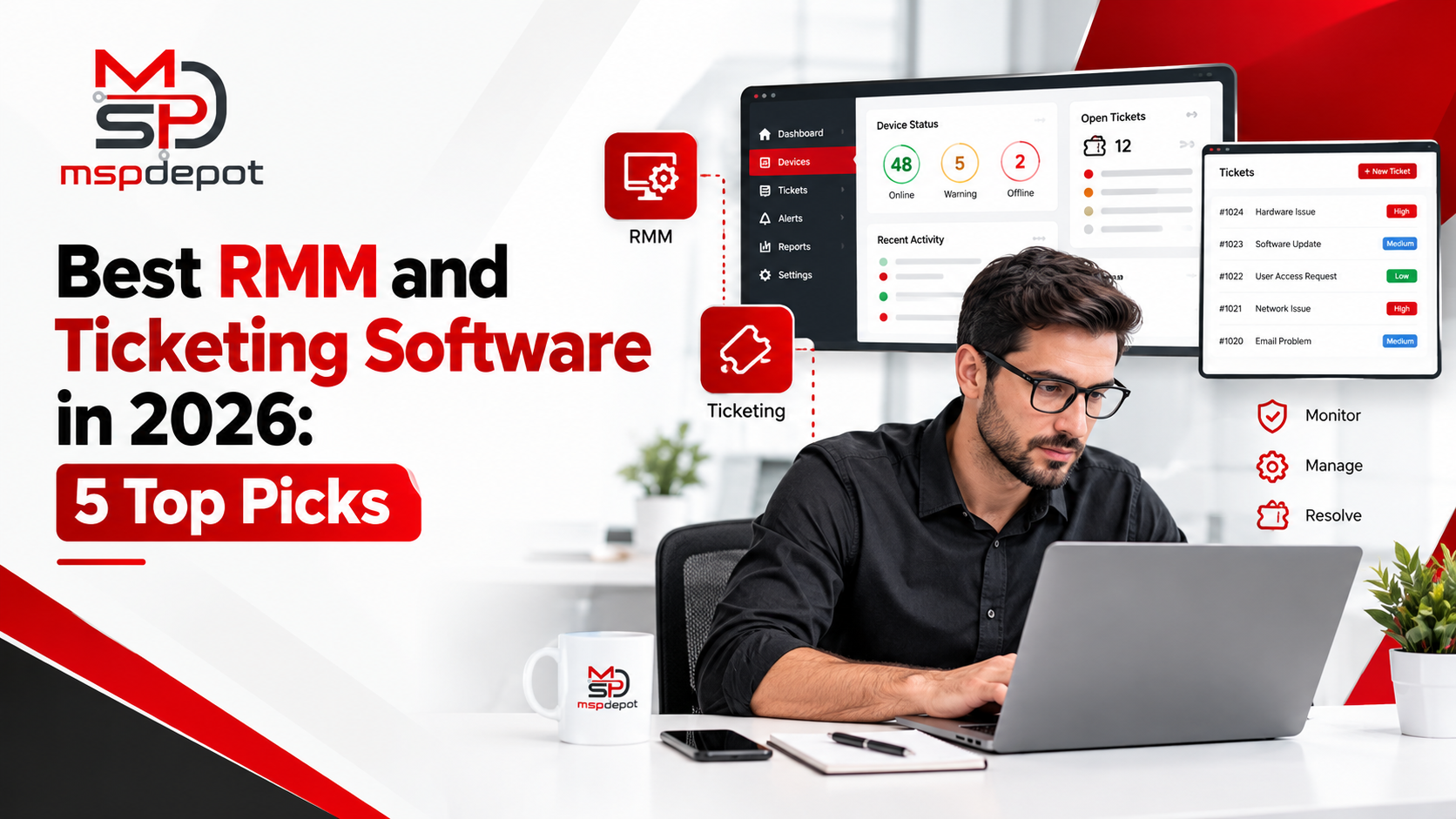
As an MSP, you have two things to manage. Your clients need help with their IT issues. Your techs are responsible for fixing them. This sounds easy when you're handling a handful of devices, but when you're handling hundreds or thousands of devices, it's not. A laptop disconnects from the network. A server needs a patch. A device is almost out of disk space. The user is not able to use an application.
Your RMM detects the issue. Someone then has to create a ticket, investigate the problem, assign the work, resolve the issue, and document what happened. When your RMM and ticketing system don't play well together, your techs have to do lots of manual tasks.
Here's a comparison of some of the best choices for 2026.
What Is RMM and Ticketing Software?
RMM is an acronym for Remote Monitoring and Management.
It helps MSPs remotely monitor and manage client devices.
An RMM platform can assist you to:
- Monitor computers and servers
- Monitor CPU, memory, disk and network status
- Manage patches
- Run scripts
- Set alerts
- Remotely access devices
- Track device information
- Automate common fixes
Ticketing software handles the service side.
It helps your team:
- Create tickets
- Assign tickets
- Track ticket status
- Set priorities
- Manage SLAs
- Record technician work
- Communicate with clients
- Report on service activity
When these two systems work together, an alert can automatically become a ticket without a technician having to copy the information manually.
That is the big benefit.
Why Do MSPs Need RMM and Ticketing Together?
Now suppose that one of your client's servers is suddenly down. If there is no connected system, the flow could be as follows:
RMM identifies the issue > technician reviews the RMM > technician opens the PSA > generates a ticket > copies information about the device into the ticket > assigns the ticket > initiates troubleshooting.
This is quite a few steps. The process can be significantly streamlined with connected ticketing and RMM.
RMM detects the issue > ticket is created > device and client information is already attached > technician starts working. The less information your team has to copy manually, the better.
Another key area of focus in recent MSP software comparisons was unified RMM, ticketing, billing, and workflows, as having separate tools can lead to additional integration and data management tasks.
What Should You Look for in RMM and Ticketing Software?
Don't purchase software that has the most features.
Check what it is your technicians really need.
RMM Monitoring
The platform should provide you with a clear idea of the devices of clients.
Look for:
- CPU monitoring
- Memory monitoring
- Disk monitoring
- Network monitoring
- Device health
- Agent status
- Server monitoring
- Alerts
The goal is simple.
You want to know about problems before the client calls.
Ticketing
You should be able to easily handle your client's requests in your ticketing system.
Look for:
- Ticket creation
- Ticket assignment
- Priorities
- Status tracking
- SLA tracking
- Client communication
- Internal notes
- Ticket history
- Automated workflows
Alert-to-Ticket Automation
This is one of the most useful features.
The RMM should be able to create or update a ticket when a device reports a serious problem.
This will save time and enable your team to respond quickly.
Remote Access
Your technicians should be able to open the affected device directly from the ticket.
It is easier to troubleshoot via remote access.
Patch Management
Patch management should be connected to your monitoring and ticketing workflows where possible.
Your team should be able to see which devices need patches and track what happened after updates were applied.
Scripts and Automation
A good RMM should let technicians run scripts.
For example, you might have a script that:
- Restarts a service
- Clears temporary files
- Checks disk space
- Installs software
- Repairs a common issue
- Collects system information
If the same problem happens 50 times, you should not have to fix it 50 times manually.
Asset Management
Tickets are more useful when they include asset information.
Your technician should be able to see which device is affected, who uses it, what software is installed, and other relevant information.
Reporting
Your clients want to know what they are paying for.
Reports can show:
- Tickets handled
- Device health
- Patch status
- Technician activity
- SLA performance
- Automation activity
- Asset information
Best RMM and Ticketing Software in 2026
There are plenty of tools in this market.
These are five worth considering.
1. MSP Depot
Best for: MSPs looking for RMM, ticketing, automation, patching and remote access in a single platform. MSP Depot is a single solution that combines ticketing and RMM.
The platform provides technicians with a view of endpoint health, alerts, patch readiness, disk encryption posture, scripts, automation and tickets.
This helps because technicians don't have to constantly switch between systems.
Alerts can be set for a device.
This alert can be linked to the service workflow.
The technician can then work on the issue with the client and endpoint information already available.
MSP Depot also features ticketing, asset management, remote access, patch management, knowledge base, onboarding workflows, reporting, scripts and automation.
Key features
- RMM
- Ticketing
- Remote access
- Patch management
- Scripts
- Automation
- Asset management
- Client onboarding
- Knowledge base
- Reporting
- Multi-tenancy
MSP Depot's current Basic platform is $79 per tech per month. It has RMM and remote access, ticketing, knowledge base, onboarding workflows, patching, reporting, scripts and automation. There is also a 60 day trial.
Why MSPs may like it
The main advantage is the connected workflow.
Your team can view the device problem and service ticket in the same environment.
This can simplify work for both small and growing MSPs who don't want to deal with a multitude of different tools.
Best for: RMM and ticketing that's integrated and has service delivery and automation.
2. Atera
Best for: MSPs that want an all-in-one RMM and helpdesk platform.
Atera combines RMM, ticketing, helpdesk, patch management, automation, reporting, and other IT management features.
Its pricing model is based on technicians rather than individual endpoints. Atera says each technician can manage unlimited customers and devices under its per-technician model.
That can make the pricing easier to predict as your MSP adds devices.
Atera also includes AI Copilot in its current plans. The company says it can help technicians with tickets, scripts, knowledge base content, and routine work.
Key features
- RMM
- Ticketing
- Helpdesk
- Patch management
- Automation
- Remote management
- Reporting
- AI Copilot
- Asset management
Atera currently offers a 30-day free trial without requiring a credit card.
Good choice if: You want a mature all-in-one ticketing and RMM platform with per-technician pricing.
3. Syncro
Best for: MSPs that want RMM, PSA, ticketing, and billing in one platform.
Syncro combines RMM and PSA features in every MSP plan.
Its Core plan currently costs $129 per user per month with annual billing or $159 monthly. The plans include unlimited endpoints per technician and a 14-day free trial.
Its ticketing system includes a centralized helpdesk. Syncro also offers automated billing, recurring billing, client portals, inventory, reports, and ticket automation.
Key features
- RMM
- Ticketing
- PSA
- Billing
- Remote management
- Patch management
- Scripts
- Automation
- Client portal
- Asset management
- Reporting
The platform is especially interesting if you want your ticketing system to connect with billing and other service operations.
Good choice if: You want RMM and a full PSA workflow in one platform.
4. SuperOps
Best for: Modern RMM and PSA solution for MSPs.
SuperOps is a PSA & RMM solution.
It has a platform that includes ticketing, contracts, invoicing, documentation, automation, asset management and endpoint management.
It also has a significant emphasis on automation and AI.
Key features
- RMM
- Ticketing
- PSA
- Automation
- Patch management
- Asset management
- Contracts
- Billing
- Documentation
- Reporting
Good choice if: You want a newer RMM and PSA platform with automation built into the service workflow.
5. NinjaOne
Best for: MSPs who need robust endpoint management and ticketing features.
NinjaOne is a household name in the realm of RMM, endpoint management, patching, automation and remote management.
In 2026, NinjaOne also added PSA capabilities. The latest industry research states that NinjaOne PSA now includes billing, ticketing, documentation, and IT asset management.
This is a more interesting offering for MSPs who were previously required to use a separate PSA.
Key features
- RMM
- Endpoint management
- Patch management
- Remote access
- Automation
- Ticketing
- Documentation
- Asset management
- Billing
NinjaOne is particularly strong on the endpoint side.
Good choice if: RMM and endpoint management are your main priorities and you want ticketing and PSA capabilities in the same ecosystem.
RMM and Ticketing: Why Integration Matters
You can buy a great RMM and a great ticketing system separately.
That does not always mean you have a great setup.
The integration between them matters.
Think about what happens when an alert appears.
Your software should ideally know:
- Which client owns the device
- Which device has the problem
- What the alert is
- How serious it is
- Whether a ticket already exists
- Which technician should handle it
A connected platform keeps the information together.
What Can You Automate?
Ticketing and RMM software can automate so much more than creating tickets.
Alert-Based Tickets
An offline device.
A ticket is created in the system.
The technician receives alerts without having to manually check all the devices.
Automated Remediation
An existing issue is displayed.
An approved script is used for the system.
If the fix is successful, the problem can be noted.
If it doesn't, the technician will take the ticket.
Patch Alerts
An important patch is missing from a device.
The system flags it.
Your team can then follow the correct patch workflow.
Ticket Routing
A ticket is created for a client.
The system can automatically route it to the right queue or technician based on predefined rules.
Should You Choose an All-in-One Platform?
For many small and growing MSPs, an all-in-one platform can make life easier.
You have one system.
One login.
One client record.
One ticket.
One endpoint record.
One workflow.
A separate RMM and PSA can still be the better choice for larger MSPs with very specific needs.
The question is not:
“Which setup has the most features?”
The better question is:
“Which setup creates the least work for my team?”
Final Thoughts
The best RMM and ticketing software should make your technicians' jobs easier. Your RMM should find problems before clients report them. Your ticketing system should organize the work that follows. Most importantly, the two systems should work together without creating extra manual tasks.
If you're looking for RMM, ticketing, automation, patching, remote access and service workflows in a single platform, then MSP Depot is a good option.
Another great all-in-one is Atera. Syncro integrates RMM, PSA, ticketing, and billing. If you're looking for a modern RMM and PSA platform, then SuperOps is worth considering. NinjaOne is capable of endpoint management and now has PSA capabilities. Test out the actual workflow before selecting one.
Create an alert. Make it into a ticket. Open the device. Run a script. Resolve the issue. Close the ticket. If you think that sounds easy, you're probably viewing the right type of software.
FAQs
What is the best ticketing and RMM software?
No one solution fits all MSPs. The names MSP Depot, Atera, Syncro, SuperOps and NinjaOne are all synonymous with the MSP industry.
Why should RMM and ticketing work together?
If RMM is integrated with ticketing, device alerts can automatically create tickets containing details of the client and the endpoint. This saves on manual effort and provides more context for technicians.
Can RMM software automatically create tickets?
Yes. Most of today's RMM platforms have the capability to link the alerts to ticketing workflows. The specific type of automation is dependent on the platform.
What is the difference between ticketing and RMM?
RMM is the tool used to monitor and manage IT devices. Ticketing is used to handle support requests and service work. RMM identifies the issue and ticketing enables your team to handle the response.
Is RMM enough for an MSP?
Typically, you won't have a full MSP operation without RMM. Depending on their service model, MSPs will require ticketing, client management, documentation, reporting, billing or PSA capabilities.