
Remote Monitoring: What RMM Software Does and Why IT Teams Rely on It
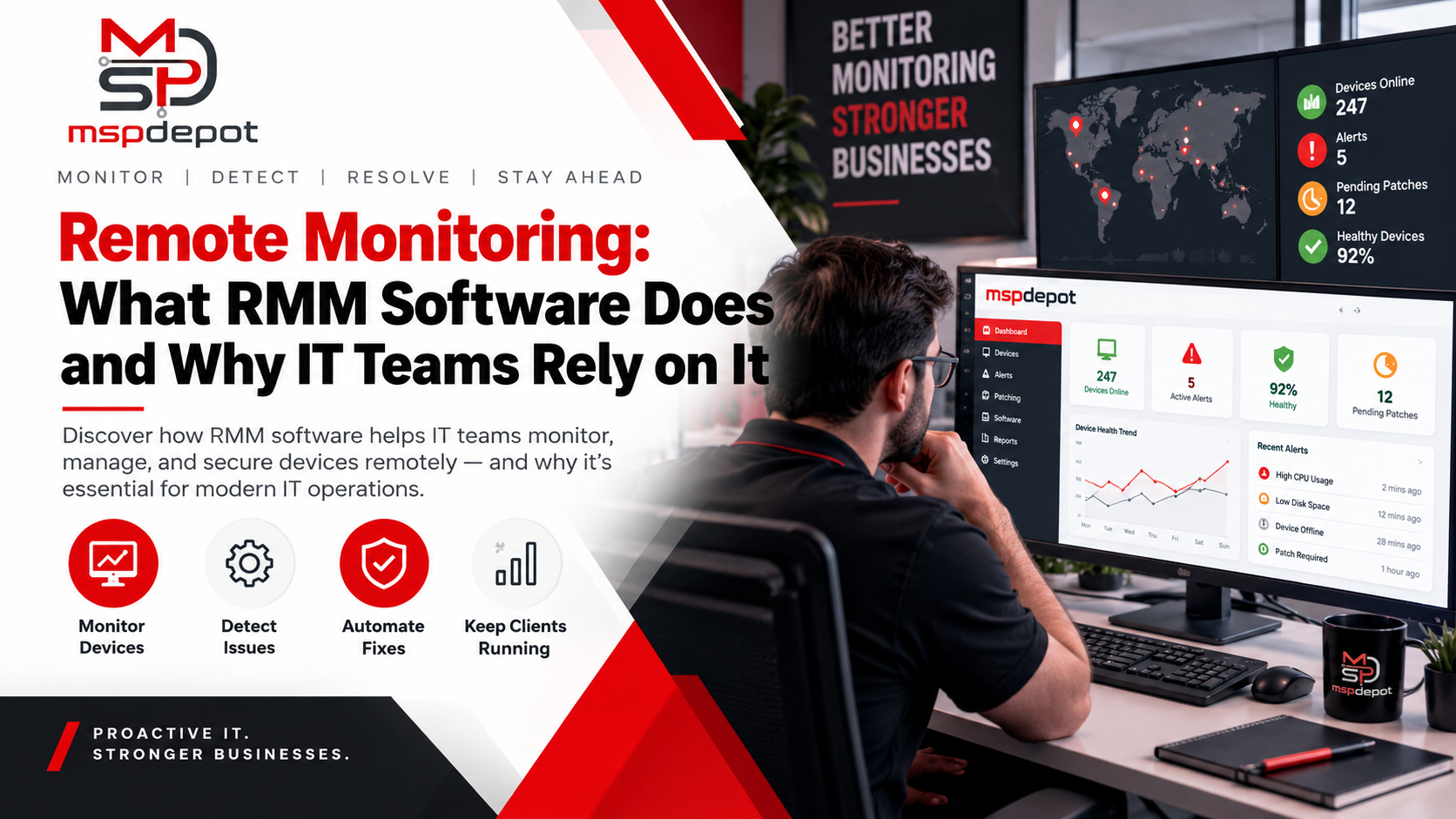
It’s 2 a.m., and a file server’s disk just crossed 95% full. Nobody’s awake. By 9 a.m., the accounting app crashes, twenty people can’t work, and your phone won’t stop ringing.
Now picture the same night with remote monitoring in place. The software spots the disk filling up, sends an alert, and runs a script that clears out old temp files. By morning, nobody knows anything happened. That’s the whole point.
Remote monitoring means using software to watch the health of computers, servers, and network devices from anywhere, around the clock. Add remote management, which lets you fix what the software finds without visiting the machine, and you get RMM.
What Is RMM?
RMM stands for remote monitoring and management. It’s a type of IT software that managed service providers (MSPs) and in-house IT teams use to watch, maintain, and support desktops, laptops, and servers without sitting in front of them.
RMM software grew up in the MSP world. An MSP might look after 40 small businesses spread across a city, and no one can visit each office every time a printer acts up. RMM gave those providers one screen for every client’s machine, and internal IT teams soon picked up the same tools.
Monitoring is the watching. Management is the doing. Good remote monitoring and management software handles both.
How Does Remote Monitoring Software Work?
Remote monitoring software works by placing a small program, called an agent, on every device you want to watch. The agent runs quietly in the background and checks processor load, memory use, free disk space, running services, and pending updates.
At set intervals, sometimes every minute, the agent reports back to a central dashboard. Most cloud-based agents connect outward over an encrypted connection, so you don’t have to open inbound ports on a client’s firewall.
On the dashboard, you set rules. A rule might say: alert me if free disk space stays below 10% for 15 minutes, or if the backup service stops. When a device breaks a rule, the platform can send an email, open a ticket, or kick off a script that fixes the problem on its own.
Silence counts as a warning too. If an agent stops checking in, the device might be off, stolen, or missing its agent because someone uninstalled it. A decent platform flags that right away.
Some gear can’t run an agent, like routers, switches, firewalls, and printers. For those, RMM tools use agentless methods such as SNMP (Simple Network Management Protocol). One machine with an agent acts as a probe, asks each network device for its status, and passes the results along.
What Does Remote System Monitoring Keep an Eye On?
Device health monitoring goes well past checking if a machine is on. A well-configured RMM tool watches four areas.
Hardware: High CPU use that won’t come down, memory running out, disks filling up, and SMART warnings, which are error signals that hard disks and SSDs report before they fail. A SMART warning gives you time to copy data off and swap the disk.
Software and operating systems: Stopped services, failed updates, crashing apps, and outdated systems. That last one catches a lot of businesses off guard. Microsoft ended support for Windows 10 on October 14, 2025, so any PC still running it stopped getting security updates unless the business pays for Extended Security Updates. RMM shows you exactly which PCs those are.
Security: Antivirus someone turned off, encryption that’s no longer active, firewall changes, and new admin accounts nobody expected.
Network and backups: Is the internet link up? Is a switch dropping packets? Did last night’s backup job actually finish?
Remote Monitoring vs. Remote Management: What’s the Difference?
Remote monitoring tells you something is wrong. Remote management lets you do something about it. Most teams want both in the same tool so they aren’t copying device names from one screen to another.
| Remote Monitoring | Remote Management | |
|---|---|---|
| Main job | Watches devices and spots problems | Fixes problems and maintains devices |
| What it covers | CPU, memory, disk, services, patches, security settings | Patching, scripts, software installs, reboots, remote access |
| What you get | Alerts, dashboards, reports | Completed tasks and changes on the device |
| Example | Warns you when a laptop’s antivirus stops | Restarts the antivirus service from your desk |
Why Businesses Need Remote Monitoring Software
The old way of running IT is break-fix: wait for something to fail, then scramble.
ITIC’s 2024 Hourly Cost of Downtime Survey found that more than 90% of mid-size and large companies lose over $300,000 for every hour of downtime. Small businesses lose less in raw dollars, but ITIC points out that hourly losses of $25,000 to $75,000 can be enough to put a small company out of business.
Security is the bigger worry. Verizon’s 2026 Data Breach Investigations Report found that exploiting software flaws became the most common way attackers break in, at 31% of breaches. That’s the first time in the report’s 19 years that it beat stolen credentials. Companies also took a median of 43 days to fully fix known exploited flaws, up from 32 days the year before.
Unpatched machines are open doors. Proactive system monitoring shows you which devices are missing updates today, before an attacker finds them.
Warning: a monitoring tool that nobody tunes turns into noise. If your techs get 300 alerts a day, they’ll start ignoring all of them, including the one that matters. Set thresholds that fit each type of device and cut any alert that nobody ever acts on.
Features to Look for in Remote Monitoring Tools
Real-Time Remote Monitoring with Alerts You Can Tune
You want alerts that fire within seconds or minutes, plus control over thresholds and who gets notified. Maintenance windows matter too, so a planned server reboot at midnight doesn’t wake up the on-call tech.
Automated Remote Monitoring and Scripted Fixes
The biggest time savers are fixes that run without a person. Restart a crashed print spooler, clear out temp files, or bring a stuck service back up the moment an alert fires. Look for a script library and an approval step for anything that touches production servers.
Patch Management
Microsoft releases security updates on Patch Tuesday, the second Tuesday of every month, and browsers and PDF readers push their own fixes all the time. Your RMM should approve, schedule, and install those patches, then show you which machines didn’t take the update.
Remote Access and Ticketing in One Place
A tech should open a secure session straight from an alert, not hunt for a separate tool and a device ID. Alerts should also turn into tickets on their own. MSP Depot, for example, creates tickets from alerts with the device details already attached.
Multi-Tenant Views and Client Reports
MSPs need to jump between clients without logging in and out. They also need monthly reports that show each client what got patched and fixed.
Tight Security on the RMM Itself
An RMM tool holds admin rights on every device it touches, and that makes it a target. In January 2023, CISA, the NSA, and MS-ISAC warned that criminals used phishing emails to trick victims into downloading legitimate remote access tools, then used them to steal from bank accounts. Block remote tools you never approved and lock down the one you use with multi-factor authentication, separate permissions for each technician, and a full audit log.
How to Choose a Remote Monitoring Software Platform
Most remote monitoring software solutions list the same features, so focus on how each one fits your work.
Start with your own numbers. Count your devices, note which operating systems you run, and list the gear that can’t take an agent. A tool that shines on Windows but can’t see your network switches leaves blind spots.
Next, look at pricing. Some vendors charge per device, and others charge per technician. Per-device pricing climbs as clients add laptops, while per-technician pricing stays flat. Run both models against your real numbers and count how many extra tools you’d still pay for.
Then test it on real machines. A demo shows a tool at its best. A trial on 20 or 30 of your own devices, left running for a few weeks, shows you how noisy the alerts get, how fast agents install, and whether the dashboard makes sense at 7 a.m. before coffee.
MSP Depot offers a 60-day free trial with no credit card, which gives you time to see a full patch cycle or two. Ask support a real question during the trial, too.
Getting Started with Remote Monitoring
Whichever remote monitoring system software you pick, you don’t need to watch everything on day one.
Start with the things that hurt most when they break: servers, backup jobs, disk space, and patch status. Get those alerts clean first, then add security checks and automated fixes.
If you’re tired of juggling separate tools for monitoring, patching, and tickets, look at MSPDepot’s RMM and ticketing platform or start the 60-day free trial.
Frequently Asked Questions (FAQs)
What is remote monitoring software?
Remote monitoring software tracks the health and security of computers, servers, and network devices from one dashboard. It checks CPU load, disk space, services, and patch status, then alerts IT staff when something looks wrong so they can step in before users notice.
How does remote monitoring software work?
You install a lightweight agent on each device. The agent sends health data to a cloud or on-site console, which compares it against rules you set, such as “disk space under 10%.” When a device crosses the line, the console raises an alert or runs a fix.
What are the benefits of remote monitoring software?
The biggest wins are less downtime, faster fixes, and fewer security gaps. Technicians catch failing disks and miss patches early, solve many problems without a site visit, and look after more devices per person.
How can remote monitoring software improve system management?
It gives you one accurate inventory of every device, including hardware details, installed software, and patch levels. That makes it easy to plan replacements, spot unlicensed software, and stop guessing which laptop runs which version of Windows.
What features should remote monitoring software have?
Look for real-time alerts, custom thresholds, patch management, remote access, scripting, device inventory, and reporting. MSPs should add multi-tenant views and alert-to-ticket workflows. For security, require MFA, per-technician permissions, and audit logs.
Why do businesses need remote monitoring software?
Staff laptops now live on home Wi-Fi, coffee shop networks, and hotel connections. Without remote monitoring, IT can’t tell whether those machines have current patches, working antivirus, or encryption turned on. RMM gives you that view wherever the device goes.
How does remote monitoring software help prevent IT issues?
It spots early warning signs instead of waiting for failures. A disk losing 2% of its free space every day, a SMART error, or a missing security patch shows up on the dashboard days or weeks before it turns into an outage or a breach.
What is the difference between remote monitoring and remote management software?
Remote monitoring software watches devices and tells you when something needs attention. Remote management software lets you act on it by patching, running scripts, installing software, or taking over a screen. RMM platforms put the alert and the fix in the same place.
How do I choose the best remote monitoring software?
Match the tool to your device count, operating systems, and network gear. Compare pricing models, check what costs extra, confirm the platform’s own security controls, and run a trial on real devices for several weeks. The tool your techs actually like using beats the one with the longest feature list.
Can remote monitoring software monitor devices in real time?
Yes. Most RMM agents report status within seconds to a few minutes, and alerts fire as soon as a device crosses a threshold. Short check intervals suit servers and firewalls, while slower checks work fine for office PCs.