
Complete Guide on Proactive Vs Reactive IT Support
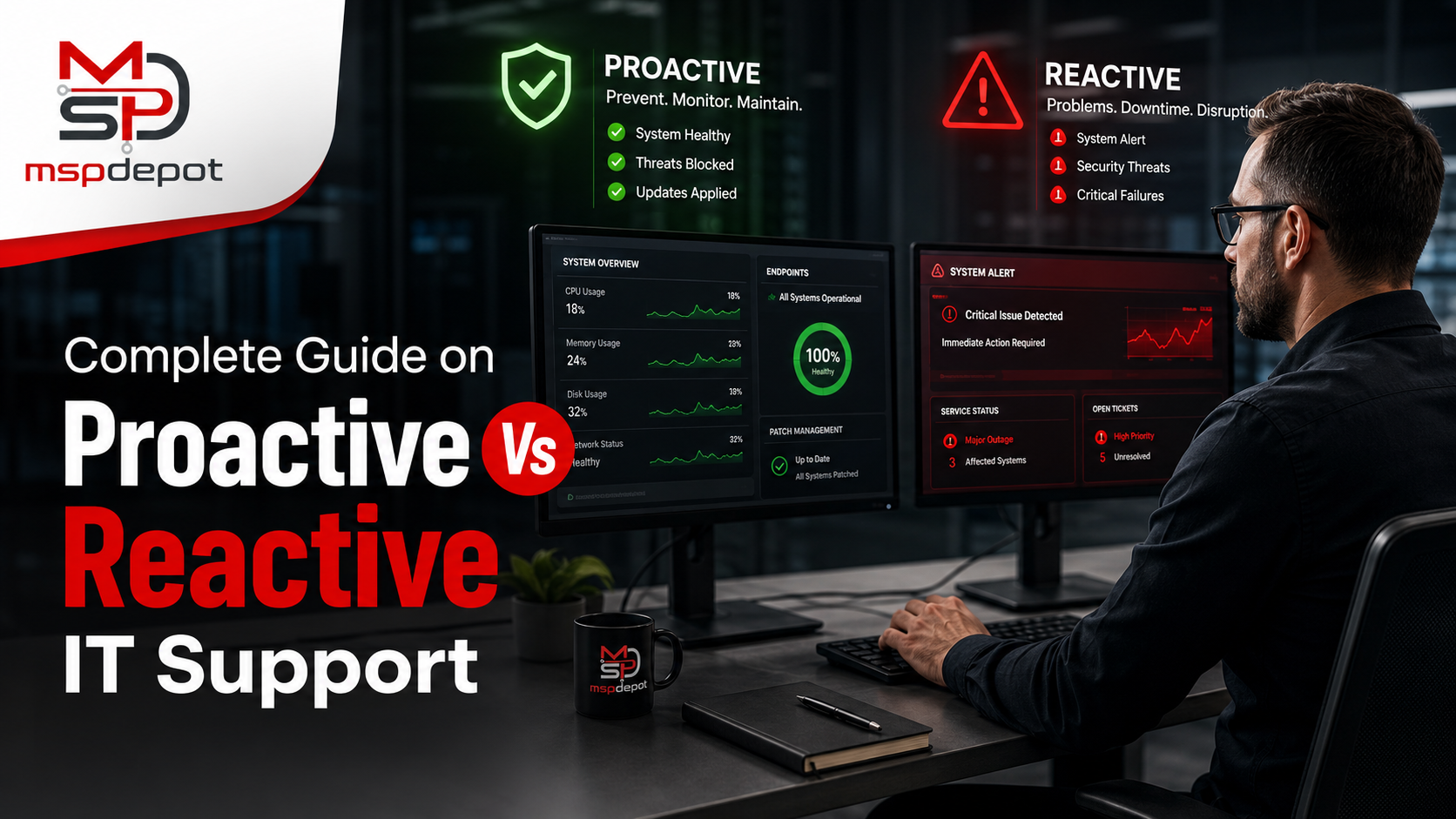
Most IT teams don’t choose to be reactive. It just happens. A ticket comes in, you fix it, another one comes in, you fix that too, and before long the whole week has gone by without a single hour spent on anything but putting out fires.
That’s the core of the proactive vs reactive IT support debate. Reactive support waits for something to break, then responds. Proactive support tries to catch the problem earlier, sometimes days or weeks before it would’ve turned into an actual outage.
Almost every company runs some blend of both, usually without really deciding to.
This guide covers what each approach looks like in practice, why reactive support tends to cost more than people assume, and what it actually takes to move a team toward something more proactive, without losing the real, human support that gets the job done when things go wrong.
What Reactive IT Support Looks Like
You probably already know this model even if you’ve never called it “reactive.” Something breaks, a server, a laptop, someone’s email, a ticket goes in, and the team scrambles.
It’s not that this approach doesn’t work. Problems do get solved. But a team stuck in this pattern spends most of its time responding to whatever just went wrong, which leaves almost nothing for anything else.
Planning, upgrades, that project someone mentioned three months ago, it all gets pushed back, again.
A few signs this describes your setup:
- The ticket queue never really shrinks, even on a good week
- Small glitches turn into outages before anyone catches them
- You find out about problems from an annoyed employee, not a monitoring alert
- Patches slip for weeks, sometimes longer than anyone wants to admit
- Nobody can say with confidence when the backups were last tested
What Proactive IT Support Looks Like
Proactive support runs the opposite direction. Instead of waiting for a drive to fail, someone’s already watching the warning signs and swapping it before it does. Instead of discovering the backups don’t work during an actual crisis, they’ve already been tested, quietly, on a schedule, long before anyone needed them.
It’s less about buying new software and more about a different rhythm of work. The team isn’t chasing the last fire anymore. They’re managing things on purpose.
That usually looks like:
- Ongoing monitoring across servers, endpoints, and the network, not spot checks
- Patches applied on a set schedule instead of “when there’s time”
- Backups tested regularly, not just set up once and left alone
- Security reviews that catch weak spots before someone else does
- Reports that actually tell leadership what’s happening, not just a status line
Reactive vs Proactive: The Real Differences
The gap between these two shows up fast once you look at how each one actually plays out.
Timing is the obvious one. A reactive team shows up after the damage is done. A proactive team often catches the issue before a single person notices anything was wrong.
Cost works differently too. Emergency repairs aren’t cheap, and downtime layered on top makes it worse. Scheduled maintenance is a lot more predictable, and usually a lot cheaper over a year.
Then there’s where the hours actually go. In a reactive shop, the day disappears into tickets, one after another. In a proactive one, there’s room left for the kind of work that actually moves things forward.
And it changes how the business sees IT, too. Reactive support gets treated like a cost center, the department you call when something’s broken and otherwise forget about. Proactive support starts to feel more like a partner that’s actually helping the business move.
Why Reactive IT Costs More Than It Looks Like
The repair bill is the obvious cost. The bigger cost is everything that never shows up on an invoice at all.
Every minute a system’s down, people are sitting there unable to work. Nobody tracks this precisely, but it adds up. Constant tech problems wear employees down too, hard to put a number on, easy to notice once you’re looking for it. And rush fixes almost always cost more than the same fix done on a schedule, because rushing rarely comes cheap.
Security takes a hit as well. Delayed patches leave a window open longer than it should be, and that’s exactly the kind of gap attackers look for. For MSPs, repeated outages are often the actual reason a client starts looking elsewhere.
None of this feels dramatic in the moment. One outage, one late patch, on its own, it’s not a big deal. Add it up over a year, though, and reactive IT tends to be a lot more expensive than it looked at the start.
What Actually Changes When You Go Proactive
Fewer things break, which sounds obvious but changes more than you’d think. When problems get caught early, the team spends less time firefighting and more time on the work that actually matters.
Costs level out too. Routine maintenance almost always beats emergency repair on price, so budgets stop spiking every time something fails.
Security gets stronger, since regular patching and monitoring close gaps before anyone finds them. And there’s a real difference for employees’ day to day, when systems just work, people can focus on their jobs instead of fighting a slow laptop or a frozen app for the third time this week.
Maybe the biggest change is the least visible one: the team finally has room to plan. Instead of reacting to whatever broke this week, they get to build something meant to last.
Making the Shift, Step by Step
Going from reactive to proactive doesn’t happen in a weekend, and trying to fix everything at once usually backfires. Breaking it into pieces works better.
Start With Visibility
You can’t fix what you can’t see. Real monitoring across every endpoint, server, and network is where everything else builds from.
Put Patching on A Schedule
Waiting for a vulnerability to force the issue is exactly how patches slip for months. Set a cadence and actually stick to it.
Test The Backups, On Purpose
A backup nobody’s checked isn’t really a backup, it’s a guess dressed up as a plan. Test it often enough that you’d trust it in a real emergency.
Keep An Eye on Security Posture
Regular checks mean your team finds the weak spots, not whoever’s trying to get in.
Stop Running Six Tools at Once
Managing all of this across separate platforms makes proactive work harder than it has to be. One clear view of everything makes the whole job easier.
Where MSPDepot Fits
MSPDepot pulls monitoring, patch management, backups, ticketing, and security posture into a single dashboard. No more logging into five separate systems just to figure out what’s actually happening.
Everything in One View
Instead of piecing together information from different tools, every endpoint shows up in one place. That makes small issues a lot easier to catch before they turn into something bigger.
An Actual Team, Not Just Software
Here’s the part that matters most: when something breaks, you’re not stuck talking to a bot. MSPDepot puts a real team of technicians behind the platform, people who dig into the actual problem and fix it themselves. Automation takes care of the repetitive background stuff, sure, but when there’s a genuine issue, it’s a real person solving it, not an AI agent guessing at a fix.
Built for MSPs and IT Teams Juggling Too Much
Whether you’re supporting one company or a dozen clients, MSPDepot scales with you. You get monitoring, patching, backup, and security tools in one place, backed by people who actually know how to use them.
Fewer Tabs, More Actual Progress
Every extra tool adds friction most teams don’t need. MSPDepot cuts that down, so less time gets spent hunting for information and more gets spent fixing what’s actually wrong.
Final Thoughts
Reactive IT support keeps a team stuck responding to whatever just broke. Proactive IT support gives them the visibility to stop most of those problems before they ever become a ticket in the first place.
That shift isn’t only about better tools. It’s about having real people behind those tools when something does go wrong. MSPDepot brings monitoring, patching, backup, ticketing, and security posture together in one dashboard, backed by an actual support team ready to step in when it counts.
That’s the difference between constant firefighting and running IT the way it’s supposed to run, and it’s exactly what MSPDepot was built for.
Frequently Asked Questions (FAQs)
What’s The Actual Difference Between Proactive and Reactive IT Support?
Reactive support deals with problems after they’ve already happened. Proactive support tries to catch and fix issues before they get that far.
Does Proactive IT Support Cost More Than Reactive Support?
Usually, it’s the other way around. Routine monitoring and maintenance tend to cost less than emergency repairs plus the downtime that comes with them.
Is Proactive IT Support Only Worth It for Big Companies?
Not really. Any business that depends on technology benefits from it, fewer outages and lower emergency costs matter just as much for a five-person shop as a five-hundred-person one.
How Does MSPDepot Help a Team Become More Proactive?
It brings monitoring, patch management, backup, ticketing, and security posture into one dashboard, so problems get caught early instead of after the fact.
Does MSPDepot Rely on AI Instead of Real Technicians?
No. Automation handles some routine background work, but actual issues get resolved by a real team of technicians, not bots or AI agents.
How Long Does the Switch from Reactive to Proactive IT Usually Take?
It depends on where you’re starting from, but most teams notice a real difference within a few weeks of adding steady monitoring, scheduled patching, and routine backup tests.