
Unlimited Endpoint Management: Why MSPs Need to Stop Counting Devices
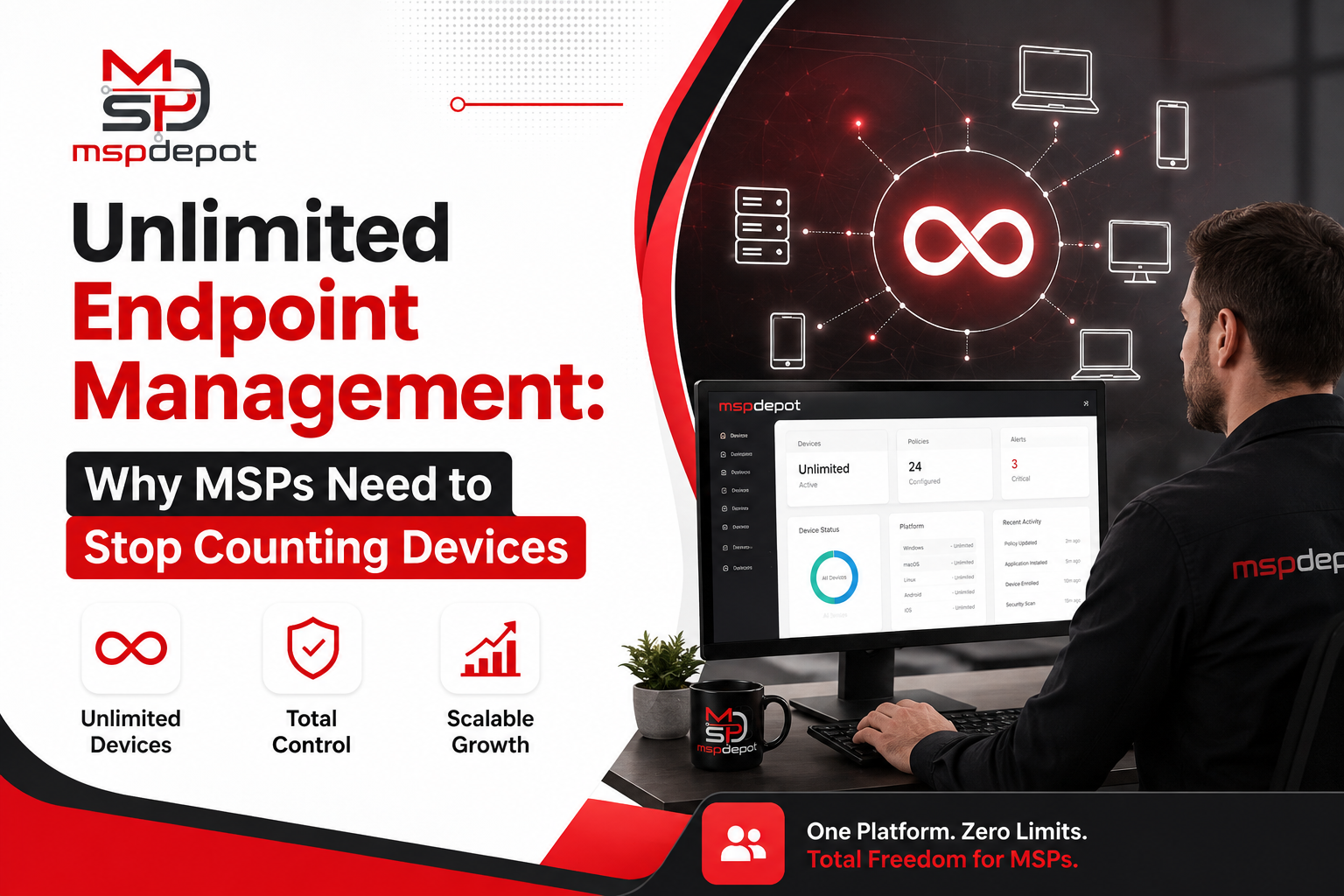
You know the feeling. A new client signs on, hands you a spreadsheet with forty laptops, three servers, and a few point of sale terminals thrown in, and before you’ve even onboarded the first device you’re doing mental math about whether your current tool is going to bump you into the next pricing tier. That moment, where growth starts to feel like a cost problem instead of a win, is basically what unlimited endpoint management exists to fix.
What Endpoint Management Actually Looks Like Day to Day
Endpoint management isn’t a dashboard with some green checkmarks on it, even though that’s usually how it gets pitched. It’s the ongoing, unglamorous work of actually knowing what state every device in your care is in right now. Is the laptop’s disk encrypted. Did a workstation miss its check in last night. Is a server’s CPU pegged for no obvious reason. Did last week’s Windows update land on every machine it was supposed to, or just most of them.
A typical morning for a technician starts with a scan across every client site. Which endpoints went quiet overnight, which flagged low disk space, which laptops are still sitting two patch cycles behind. None of that is exciting work. But it’s the difference between catching a failing drive before it takes down a client’s accounting software and getting the panicked phone call after it already happened.
Here’s the thing most MSPs run into eventually: their tooling was never really built with this reality in mind. A lot of platforms still price per endpoint, which sounds fair on paper until you realize it quietly punishes you for succeeding. Land a new contract, watch your bill go up. Onboard a school district with six hundred Chromebooks, brace yourself. It creates a weird incentive where growing your client base becomes something you have to manage carefully instead of something you get to celebrate.
Why Per Device Pricing Falls Apart at Scale
Picture two MSPs side by side. One has fifteen clients averaging twenty devices each, so three hundred endpoints total. The other has five clients but each runs a hundred and fifty workstations across multiple locations. Under a lot of legacy RMM pricing, both providers end up paying roughly the same, even though their operational complexity and support burden look nothing alike.
That’s really the argument for unlimited endpoint models priced per technician or per seat instead. Your cost follows the size of your team, not the size of your client’s device fleet. A three person MSP managing three hundred endpoints pays for three seats. Full stop. Add a device tomorrow, or a fortieth one, and the invoice doesn’t move.
MSPDepot built its platform around exactly this idea. At ninety nine dollars per user per month for the full RMM and ticketing tier, a technician can manage five endpoints or five thousand under the same license. That one decision removes a whole category of budgeting anxiety that MSP owners have quietly been living with for years, where every new client win comes with a mental note to double check the next renewal invoice.
The Operational Side Nobody Really Talks About
Pricing gets most of the attention here, but unlimited endpoint management changes more than the bill. It changes how technicians actually work.
When device count is capped or metered, teams start making decisions based on the license instead of what the client actually needs. Maybe a smaller client’s guest kiosk machine never gets onboarded because it feels like a waste. Maybe a departing employee’s laptop stays enrolled a month longer than it should because deprovisioning eats into a limited pool. These decisions feel small individually, but they add up into blind spots, and blind spots in endpoint visibility are exactly where security incidents like to hide.
Take away the device ceiling and full visibility just becomes the default. Every laptop, desktop, server, increasingly every mobile device, gets enrolled because there’s no reason not to. It stops being a conscious tradeoff a technician has to weigh against cost.
This matters more once you look at what modern endpoint management actually needs to cover. It’s not just uptime monitoring anymore. A proper platform should be tracking:
- Live CPU, memory, disk, and network health across every device
- Patch readiness broken down by operating system, not a vague overall percentage
- Disk encryption status, because an unencrypted laptop is a liability the second it leaves the building
- Running services and processes, so anomalies get flagged before they turn into incidents
- Full script execution history, so a tech can see exactly what automation touched a machine and when
Every one of those becomes something to negotiate around if your pricing model punishes scale. Take that constraint away and the platform can just do its job, without a technician quietly weighing whether it’s worth the cost to enroll one more machine.
Multi Tenant Visibility Without the Chaos
Unlimited endpoint management only works in practice if the platform can still make sense of hundreds or thousands of devices spread across dozens of client environments. Multi tenancy matters just as much as the pricing model itself here.
A good platform lets a technician zoom out and see every client at once, then drill into a single site or device without losing context. Cross client dashboards should make workload distribution obvious enough that an owner knows when it’s time to hire, not just when something’s already on fire. Access controls need to be granular per technician and per account too, since not every tech should have the same visibility into every client’s environment.
MSPDepot’s dashboard was built with that pattern in mind. Five clients or five hundred, the interface doesn’t change shape. Bulk onboarding through CSV import, scripted deployment, or directory sync means bringing on a client with two hundred devices doesn’t eat a whole week of a technician’s time, and each new site inherits the right baseline policy the moment a device checks in.
Mixed Environments Are the Norm Now, Not the Exception
Ten years ago an MSP could mostly get away with a Windows only tool because most client environments were Windows only. That’s just not true anymore. A single mid sized client might run Windows desktops, a couple of Mac laptops for the design team, a Linux server or two, and a growing number of mobile devices that need at least basic policy enforcement.
Unlimited endpoint management has to mean unlimited in terms of device type too, not just count. Windows, Mac, and Linux monitoring, remote access, and patching from one dashboard is table stakes at this point. MDM and expanded Mac support are the next frontier, and platforms still catching up on that front are going to start feeling narrow to MSPs managing genuinely mixed fleets.
What to Ask Before Committing to a Platform
If you’re evaluating an RMM platform right now and the pricing looks attractive on the surface, it’s worth digging one layer deeper. Plenty of vendors advertise generous device allowances that quietly shrink once you read the fine print, or they offer unlimited endpoints but gate the features that actually matter, like patch visibility or scripting, behind a higher tier.
A few questions tend to surface the real story fast. Does the quoted price change if device count doubles next quarter, or is it locked to the number of technicians on the account. Are Mac and Linux devices treated the same as Windows devices, or do they count against a smaller, separate allowance. Is remote access included at every tier, or does it show up as a surprise add on later. And does the reporting layer actually reflect every enrolled device, or does it summarize a sample and call it good enough.
None of these questions are meant to trip anyone up. A vendor confident in its pricing model should be able to answer all of them in one conversation without redirecting you to a sales call. If the answer comes with a lot of qualifiers, that’s usually a sign the “unlimited” claim has more asterisks attached than the marketing page lets on.
A Note on Switching Costs
One reason MSPs stick with a metered platform longer than they probably should is the fear of migration pain. Moving hundreds of endpoints to a new agent, rebuilding scripts, retraining a team, all of that is genuinely disruptive, and that friction alone keeps a lot of providers locked into pricing they’ve clearly outgrown.
A serious migration shouldn’t feel like starting over from zero though. Bulk enrollment tools, CSV based imports, and policy templates that apply automatically as new devices check in exist specifically to shrink that transition window from weeks down to days. It’s important to ask a prospective vendor directly how long onboarding realistically takes, and whether support is included during that window or it is being sold as an another line item. The answer tells you a lot about whether a vendor actually wants you to succeed after the contract is signed, not just before it.
The Bottom Line
Unlimited endpoint management isn’t really about the word unlimited. It’s about removing a constraint that never should have existed in the first place, one that quietly shaped technician behavior, created blind spots, and turned business growth into a budgeting exercise. Once device count stops being a variable in the pricing conversation, MSPs get to make decisions based on what a client actually needs instead of what a license happens to allow.
That’s the whole premise behind how MSPDepot approaches endpoint operations. One flat price per technician, full enrollment for every device from day one, and a dashboard that scales from a handful of clients to hundreds without asking the business. For MSPs tired of watching device counts creep toward the next pricing tier, that shift alone is usually the reason they stop shopping around and settle in.