
Patch Management for MSPs: The Unglamorous Work That Prevents the Worst Calls
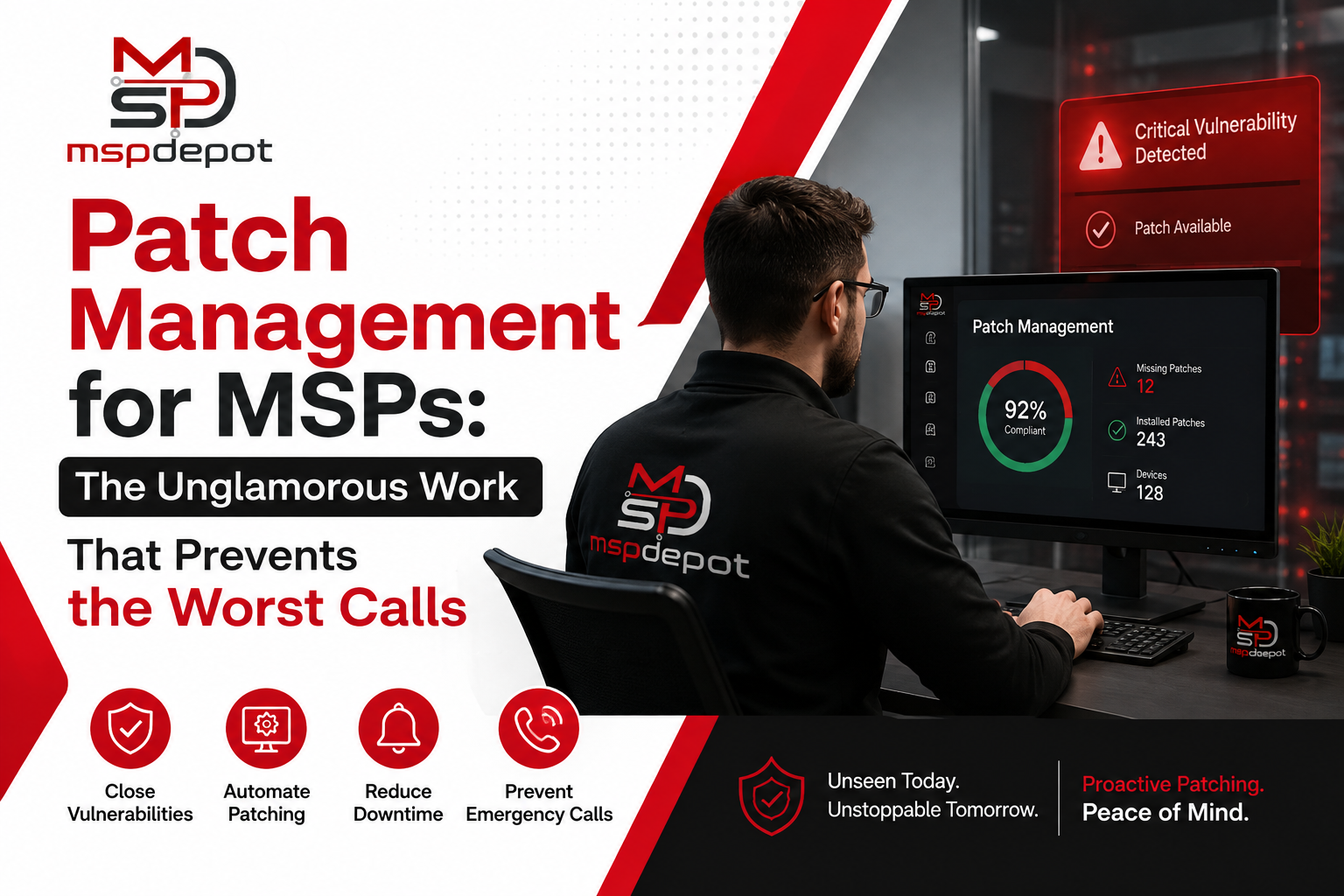
Nobody gets into IT because they love patching. It’s the work that happens on the back, the maintenance window nobody thanks you for, the checklist item that only becomes visible once it’s skipped. Ask any MSP owner what caused their worst client incident in the last couple of years, and there’s the answer traces back to a missed patch, a failed update, or a vulnerability that should be fixed before anyone actually got around to it.
Patch management deserves more attention. Not because it’s exciting, but because it sits right at the intersection of security and client trust is on top.
What Patch Management Actually Involves
At we look more, patch management is identifying, testing, deploying, and verifying software and operating system updates across every managed device. Sounds simple written out like that. In practice there are a lot of moving parts that need to work together consistently across dozens or hundreds of client environments, each with its own tolerance for downtime and its own quirks.
A working patch process needs to answer a handful of questions on an ongoing basis. Which devices are missing which updates right now. Which of those are security critical versus feature updates that can wait a bit. Which patches have already been tested and approved versus ones still sitting in a staging queue. And when something does get pushed out, did it actually apply successfully, or is there a workstation somewhere still waiting on a reboot that never happened.
That last question trips up more MSPs than you’d expect. A patch that gets pushed and the patch that gets installed are not same. Update mechanisms fail silently, and a dashboard that only shows “patch sent” without confirming “patch applied” is giving a false sense of security.
Why Patching Is Really a Risk Management Problem
It helps to stop thinking of patch management as IT hygiene and start thinking of it as one of the most cost effective forms of risk reduction available to any organization. Most exploited vulnerabilities in real world breaches aren’t zero days. They’re known, publicly disclosed vulnerabilities that already had a patch available, sometimes for months, before someone used them against a victim.
That single fact changes how you should frame a patch management program. This isn’t busywork. It’s closing doors that are already known to be unlocked. An MSP that keeps client environments current on patches is doing more to prevent a breach than almost any other single control, and doing it without asking the client to buy a new tool or change their behavior at all.
The flip side is that inconsistent patching creates a liability that’s hard to see until it becomes a problem. A client asks during a security review whether their systems are current. If the honest answer is “mostly, we think,” that’s not a great place to be, especially with a cyber insurance policy in play that requires evidence of a maintained patch cadence.
The Operating System Complexity Problem
One thing that makes patch management genuinely hard, and not just tedious, is that “patching” means different things depending on the operating system and the software stack sitting on top of it.
Windows patch readiness needs to be tracked separately from macOS, and both need to be tracked separately again from Linux servers running production workloads. A workstation missing a routine feature update is a very different risk than a public facing server missing a security patch for a web server component. Lumping all of that into a single generic “patch compliance” percentage on a dashboard hides more than it reveals.
A better approach breaks patch readiness down by operating system, so a technician glancing at the dashboard in the morning can immediately tell “twelve workstations need a routine cumulative update whenever” apart from “two servers are missing a critical patch with an active exploit in the wild.” Those two situations call for completely different responses, and good tooling should make that obvious without anyone having to dig for it.
Reboot Visibility Is Underrated
Here’s something that rarely shows up in vendor marketing but matters constantly in daily operations. A huge chunk of patch related headaches are about the reboot required to actually finish applying it. A server that’s been “patched” but not rebooted in three weeks is still running the old, vulnerable code in memory. A workstation that keeps deferring its restart because someone has forty browser tabs open isn’t actually protected yet.
Good patch management tooling needs clear reboot visibility as a real feature, not an afterthought bolted on. Technicians need to know which devices are pending a restart and should be able to schedule or force it during an appropriate maintenance window without delaying any work.
Building a Sane Patch Cadence
There’s a tension in patch management between speed and stability that every MSP has to navigate one way or another. Patch too aggressively and immediately, and you risk a bad update breaking something for a client before it’s been properly vetted. Patch too slowly or inconsistently, and known vulnerabilities stay open far longer than they should.
Most experienced MSPs land somewhere in the middle. Critical security patches get fast tracked, often within days of release, especially anything with a known active exploit. Routine updates get staged, tested against a small group of representative devices first, then rolled out broadly once there’s confidence nothing’s broken. Feature updates that aren’t security relevant often get scheduled around a client’s business calendar, avoiding their busiest weeks or a fiscal year end close.
None of that works well as a manual process once an MSP is managing more clients. It needs templates, scheduling, and automation baked into the platform itself, along with the ability to override or pause a rollout for one specific client without disrupting the schedule for everyone else.
Common Patching Mistakes That Quietly Add Risk
A few patterns show up again and again in MSPs that are struggling with patch management, even ones with decent intentions and a reasonable tool already in place.
The first is treating patch status as a monthly task instead of a continuous one. Running a patch sweep once a month feels thorough on paper, but it leaves a window of several weeks where a newly disclosed critical vulnerability sits open on every device that hasn’t been touched yet. Cadence needs to be close to continuous for anything critical, with a monthly or scheduled sweep reserved for routine, non urgent updates.
The second is trusting deployment confirmation without actually verifying it. A patch job that reports success at the point of deployment isn’t the same as a patch confirmed installed and active after the next reboot. Plenty of environments have quietly carried unpatched machines for months because a dashboard showed green checkmarks for jobs that technically ran but never actually finished.
The third is ignoring third party software in favor of operating system patches alone. Attackers frequently go after browsers, PDF readers, and other common third party apps precisely because MSPs tend to focus their patching discipline on Windows updates and treat everything else as optional. A patch program that only covers the OS is really only covering about half the actual attack surface on a typical endpoint.
The fourth is not talking to clients about patching at all. Clients rarely think about it unless something breaks, which means an MSP that never brings it up during a QBR is leaving value on the table. Showing a client a clear, simple view of patch compliance across their environment turns invisible maintenance work into something they can actually see and appreciate, and this matters alot, it’s time to justify a renewal or a rate increase.
What MSPDepot Brings to This Picture
MSPDepot treats patch management as a core part of endpoint operations rather than a bolt on feature, which matches how the work actually gets done everyday. The platform shows patch readiness broken down by operating system so technicians aren’t stuck interpreting a vague aggregate number, and it ties directly into the alerting and ticketing workflow so a missed or failed patch doesn’t just sit quietly on a report nobody opens until the next QBR.
Because it runs on the same unlimited endpoint model as the rest of the platform, there’s no incentive to skip enrolling a device in patch monitoring just to save on cost. Every workstation and every server gets the same visibility, which is exactly how a patch management program is supposed to work. Reports on patch status feed straight into the reporting and QBR tooling too, so when a client asks how current their environment is, the answer comes from real data pulled from the platform instead of a technician’s best guess based on memory.
The Bigger Picture
Patch management will probably never be the feature that gets a client excited during a sales pitch. It doesn’t have the visual appeal of a slick dashboard or the immediate wow factor of some AI powered chatbot resolving a ticket on its own. But it’s one of the few things an MSP does that directly, measurably reduces the odds of a client calling in a panic because something got encrypted overnight or a server went down in the middle of the workday.
Consistent patching across every managed device, tracked with real per device confirmation instead of assumptions, is quiet and unglamorous, and it’s still one of the highest value things an MSP can offer. Getting the tooling right for it, so the process actually runs on autopilot instead of depending on a technician remembering to check, deserves a lot more attention than it usually gets.