
NinjaOne Alternatives in 2026: 7 Top Options Compared
NinjaOne is a widely used endpoint management, patch management, monitoring and remote IT management solution.
However, it might not be a suitable option for all MSPs or IT departments.
Perhaps you need a platform that has PSA functionality built-in. Perhaps you'd like to pay by technician, rather than per device. Perhaps your team requires more robust enterprise controls, mobile management or patching.
The good news is that there are plenty of alternatives.
There are several NinjaOne alternatives that offer similar features. The important thing is to find one that fits your team's needs.
If you're considering a new option in 2026, here are seven to consider.
Why Look for NinjaOne Alternatives?
NinjaOne can handle many of the typical IT management tasks. However, each business has its own requirements.
Some MSPs would like to have the RMM and PSA capabilities combined in one platform. Others have more of a patch management interest. Fine-grained access control and device management can be required for enterprise teams.
The price factor can also come into play.
While your team might be satisfied with NinjaOne, you may wish to investigate other platforms prior to committing to a contract or making a change to your IT setup.
Seeing alternatives can help you to understand what is possible.
What Should You Look for in a NinjaOne Alternative?
Start with the work your team does every day.
A good alternative should make that work easier, not add more work.
Look for features such as:
- Endpoint monitoring
- Patch management
- Remote access
- Ticketing
- Automation
- Asset management
- Software deployment
- Reporting
- Mobile access
- Multi-client management
- PSA features
It's also important to look at the pricing model.
There are some tools that charge by the device. Some companies charge fees based on the number of technicians. Others have special pricing.
The cheapest option is not always the best. It's the value for money and ease of use for your team that's important.
1. MSP Depot
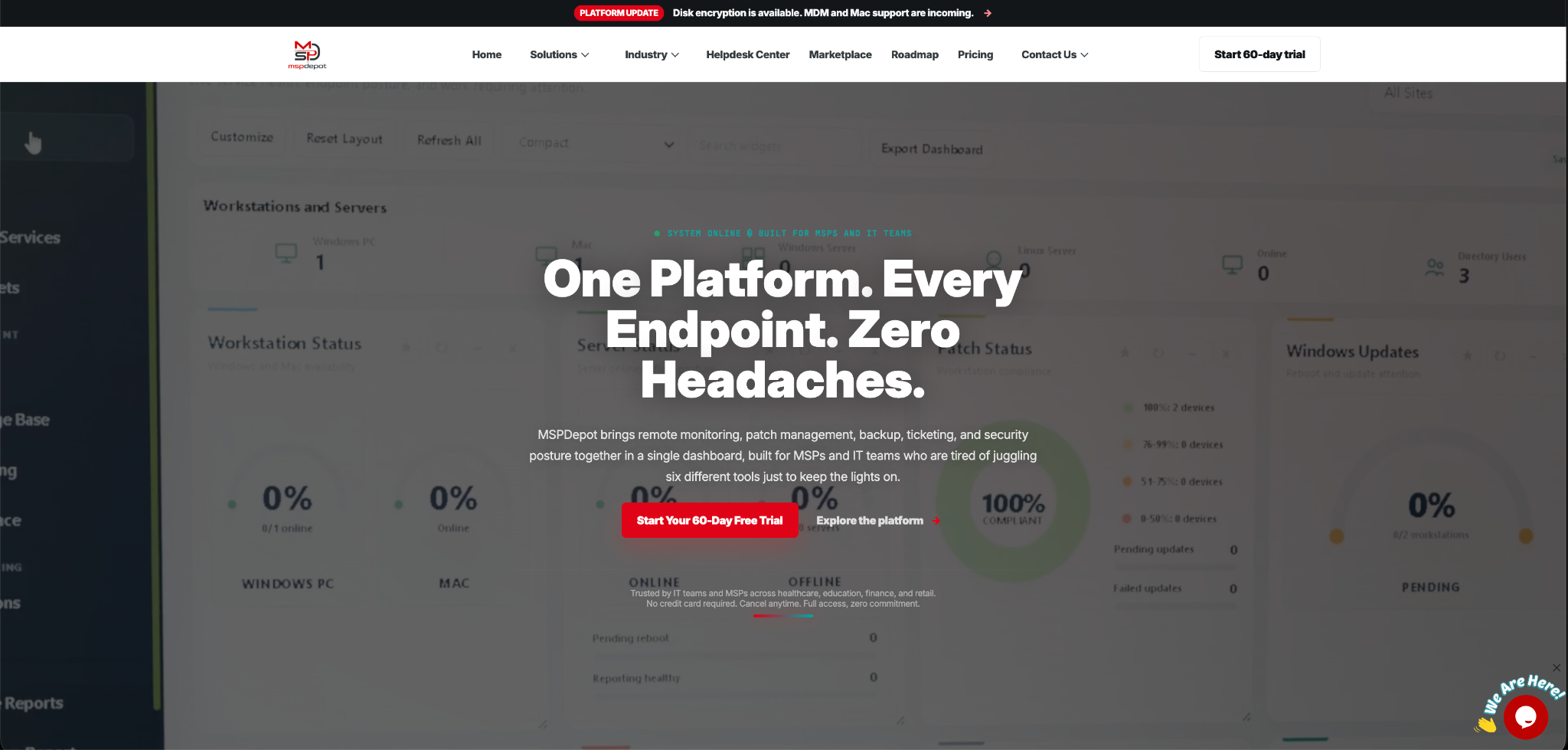
Ideal for MSPs looking for endpoint management, RMM, remote access, ticketing, patching, and automation in a single platform.
For those MSPs that prefer to have all day-to-day IT tasks under one roof, MSP Depot is an alternative.
It features RMM and remote access, ticketing, a knowledge base, onboarding workflows, patching, reporting, scripts and automation. It is also multi-tenant and client context enabled.
The primary difference is its easy pricing structure.
MSP Depot's Basic plan is $79/month for each technician. It also offers a 60-day Basic trial and no set-up costs or long-term contracts.
This can be helpful to smaller and growing MSPs who are not interested in creating a large stack of different tools.
MSP Depot is a good option to consider if your team is looking for a solution to monitor devices, access them remotely, manage tickets, patch them, and automate routine tasks from a single dashboard.
2. Atera
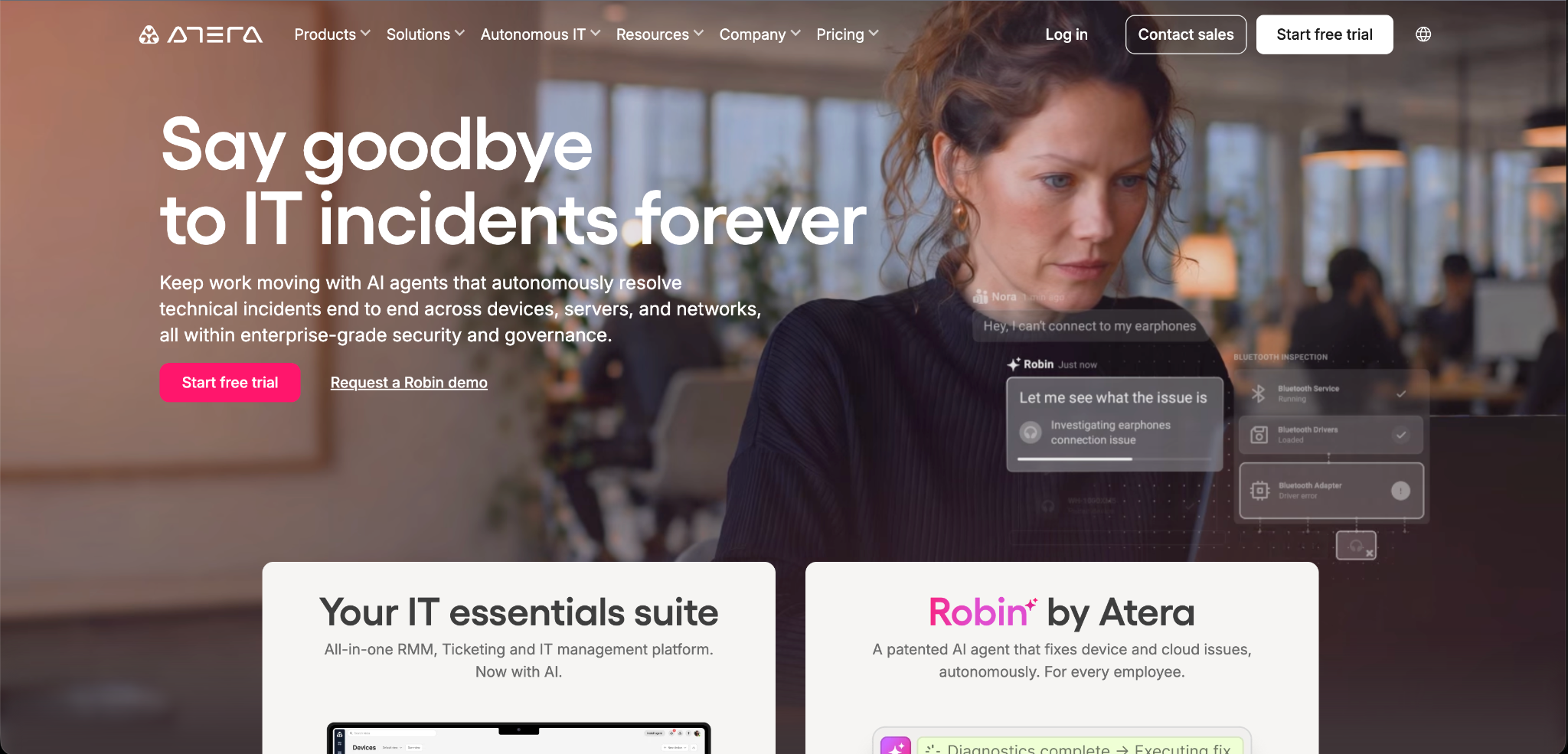
Ideal for: MSPs who want RMM and PSA all in one and would like to pay per technician.
Atera has a different pricing model and platform setup.
It combines RMM and PSA features in one platform. It combines endpoint monitoring, patching, ticketing, reporting, and remote access through integrations.
Atera also provides IT teams with AI-powered tools.
One of the reasons for teams to consider Atera over NinjaOne is pricing. Atera is charged by the technician, whereas NinjaOne is typically on a per-device pricing basis. Industry comparisons are also available and show that Atera is a per-technician platform for MSPs and IT teams.
This may be helpful for MSPs with a lot of endpoints per technician.
For those who prefer to have RMM and PSA functionality combined, Atera is one of the primary alternatives to NinjaOne.
3. ManageEngine Endpoint Central
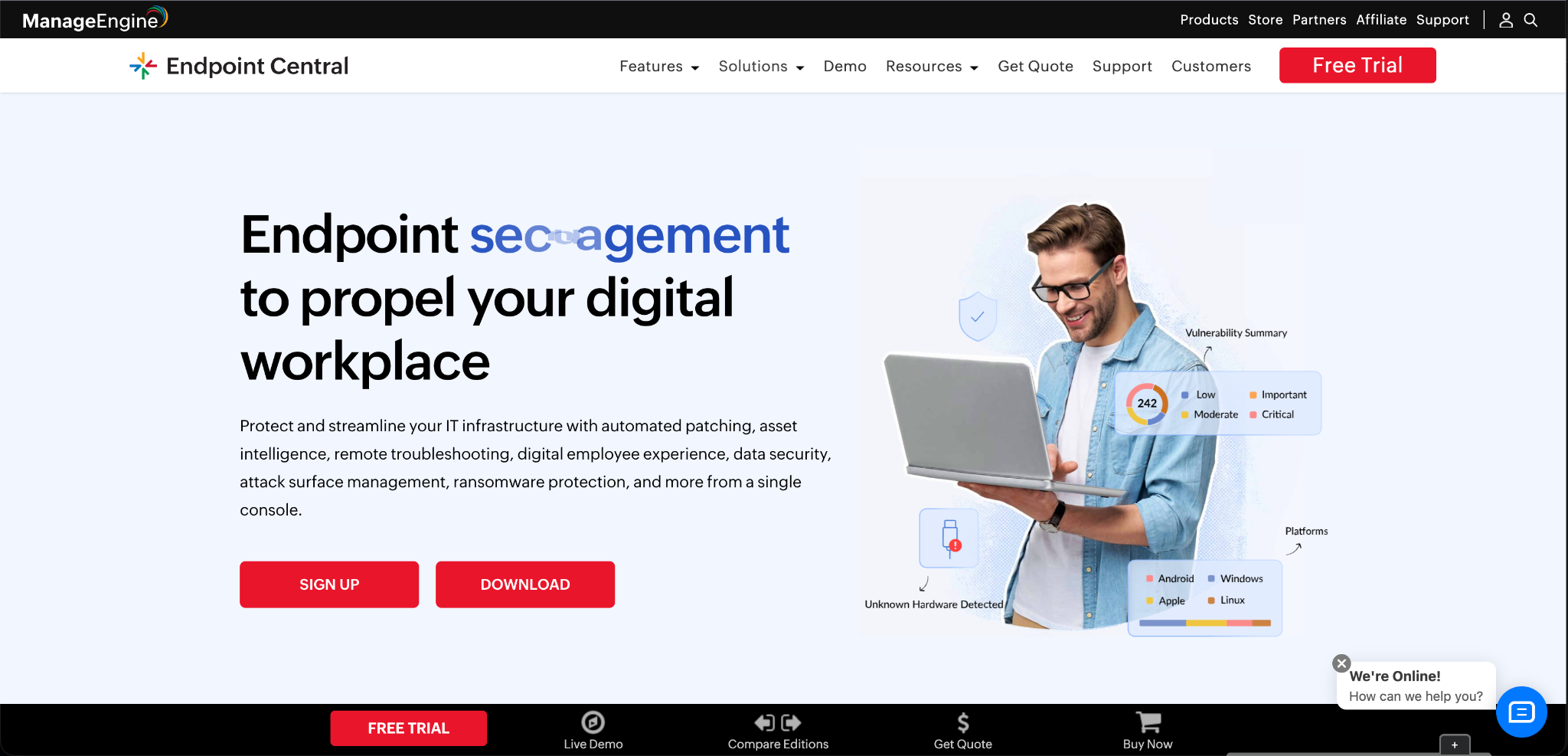
Suitable for: Mid and Large businesses with a large number of devices running various operating systems.
ManageEngine Endpoint Central is a highly endpoint management-centric solution.
It can assist IT teams to control devices, deploy software, apply patches, manage applications, and control endpoint settings from a single console.
It also offers more enterprise-focused controls.
This makes it different from alternatives that are mainly built for MSP workflows.
If your organization has a robust internal IT staff and requires granular device, user, software and access control, Endpoint Central might be more suitable.
It supports Windows, macOS, and Linux, depending on the features and setup you choose.
The downside to a platform that offers more enterprise controls is that it may require more time to learn and configure.
If your team does not require them, then don't opt for a more complex system.
4. Pulseway
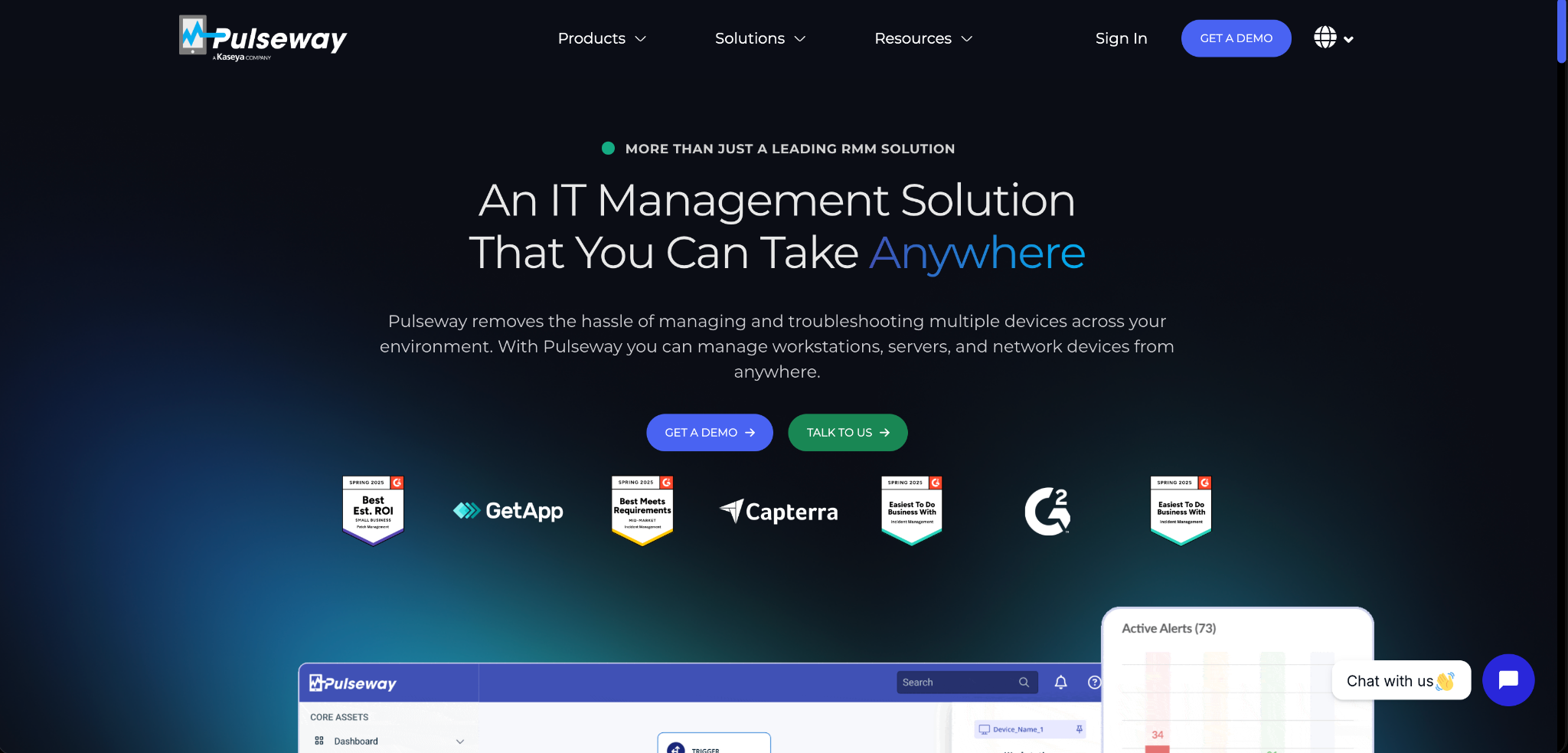
Ideal for: IT departments that need to control systems on their mobile devices.
A technician may not always have a laptop nearby.
They could be sitting at another desk, attending a meeting or visiting other client locations.
This is where Pulseway can be useful.
Pulseway is known for its mobile-first approach. It has a mobile app that allows IT teams to monitor systems and receive alerts and manage them from iOS or Android devices.
This can be helpful if there's a problem outside of business hours.
For instance, a technician might be notified of an issue and then access the device via their mobile phone and proceed to take action without having to open a laptop.
In addition, Pulseway offers monitoring, automation, patching and remote management capabilities.
When mobile access is a major component of your team's workflow, Pulseway should be on the short list.
5. Microsoft Intune
Ideal for: Companies that are already on Microsoft 365 and overall Microsoft platforms.
For companies already invested in Microsoft products, Microsoft Intune can be a good fit.
It offers cloud-based application and device management. It also allows for mobile device management and mobile application management.
Intune integrates with Microsoft's identity and security solutions.
It might be the right solution for companies that wish to manage devices and users in the same Microsoft environment.
It is particularly beneficial for companies with a big Windows environment.
There's one key difference between Intune and an MSP-focused RMM platform, however.
Intune is built on the Microsoft endpoint and device management platform. An MSP requiring RMM, client management, remote support and service workflows will require more tools.
If you're looking to manage your Microsoft devices, then you should have a look at Intune. When you require a broader MSP operations platform, make sure to carefully evaluate the full feature set.
6. Action1
Best for: Organizations that mainly need strong patch management.
Action1 focuses heavily on patching and endpoint management.
It is cloud-based and can help teams manage operating system and third-party application updates. It also supports automation, software deployment, scripting, and endpoint management.
This makes Action1 interesting for teams whose main problem is keeping devices updated.
It is also designed for distributed and remote environments.
However, Action1 is not necessarily a complete replacement for every part of an RMM and PSA stack.
If your team needs ticketing, service management, remote support, and other MSP workflows, check whether you need additional tools alongside it.
If patching is your biggest concern, though, Action1 should be on your list.
7. Datto RMM
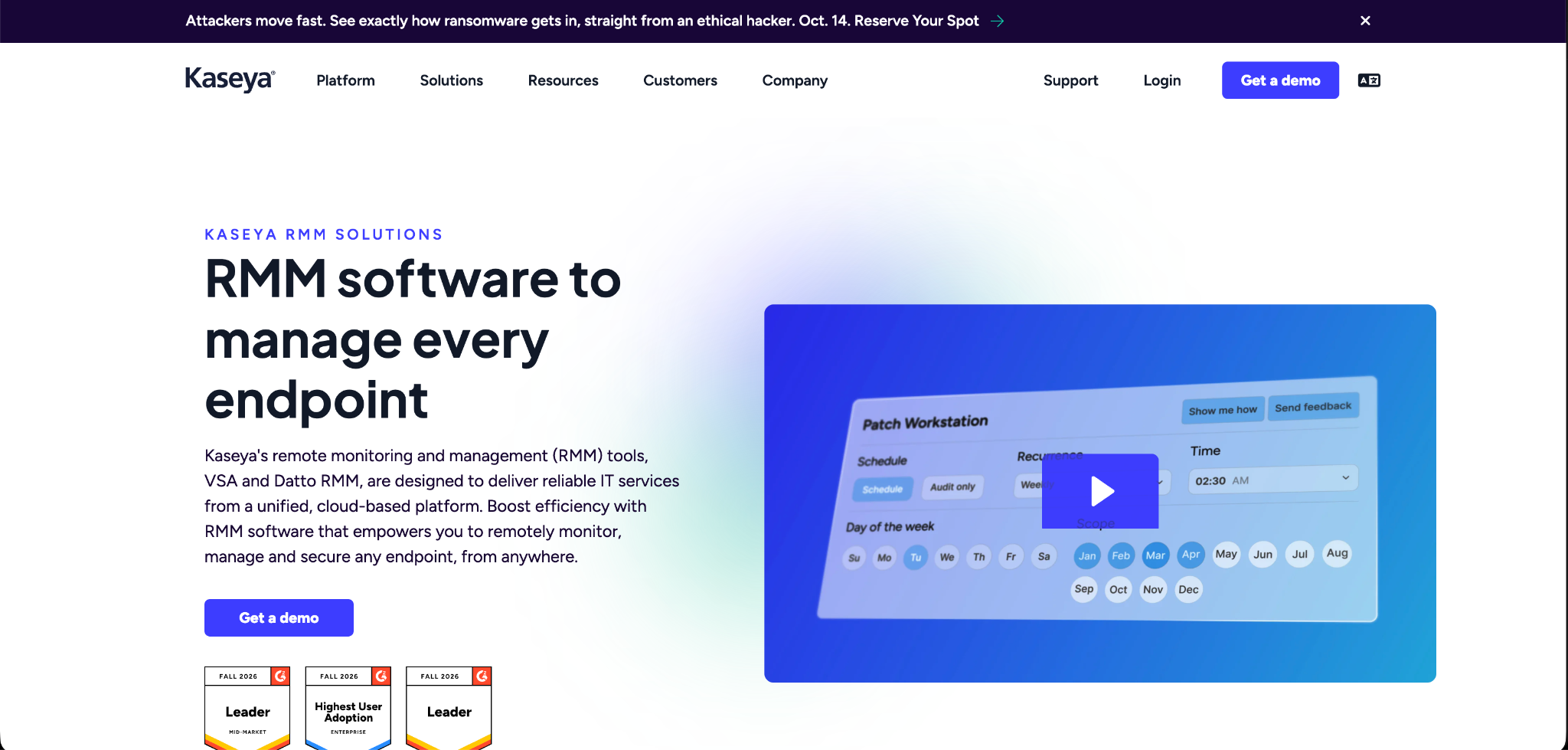
Best for: MSPs that want deeper automation and already use the Kaseya ecosystem.
Datto RMM is another major option for MSPs.
It provides remote monitoring and management features for managing client endpoints. It supports monitoring, patch management, remote access, automation, and policy-based management.
It can make even more sense for MSPs already using other Kaseya products.
The wider Kaseya ecosystem can give MSPs access to several tools under one vendor.
The downside is that platforms with lots of features can take more time to learn.
Your technicians may need more training before they are comfortable with the system.
So Datto RMM can be a good fit for larger or more established MSPs, especially those already working inside the Kaseya ecosystem.
NinjaOne Alternatives at a Glance
| Platform | Best For | Main Difference |
| MSP Depot | MSPs wanting one simple platform | RMM, ticketing, patching, remote access, and automation |
| Atera | MSPs wanting per-technician pricing | RMM and PSA in one platform |
| ManageEngine Endpoint Central | Mid-sized and large IT teams | Deep endpoint and enterprise management |
| Pulseway | Mobile-first IT teams | Strong mobile management experience |
| Microsoft Intune | Microsoft-focused organizations | Deep Microsoft 365 and Windows integration |
| Action1 | Patch-focused teams | Strong focus on automated patch management |
| Datto RMM | MSPs using Kaseya | RMM and automation within the Kaseya ecosystem |
Which NinjaOne Alternative Is Right for You?
Of course, there is no one-size-fits-all solution.
Start by looking at your biggest problem.
If you want simple MSP operations with endpoint management and service tools in one platform, check out MSP Depot.
If pricing per technician and built-in PSA features are most important, then check out Atera.
ManageEngine Endpoint Central might be a better choice in the case of a large internal IT environment.
If your technicians need to handle systems from their mobile, then it is well worth checking out Pulseway.
If your business is very dependent on Microsoft 365, then you may find it better suited to Intune.
Action1 is a good choice if you're only interested in patching.
And if you're already using Kaseya products from your MSP, Datto RMM could seamlessly integrate into your current solution.
What Should You Check Before Switching?
Don't select a tool based on a feature list because it appears to be better on another platform.
Test the items that your techs use.
Ask your team:
- How easy is it to install the agent?
- Are we able to deal with all of our clients without difficulty?
- What is the quality of remote access and connectivity?
- How can patching be done?
- Are repetitive jobs able to be automated?
- What is the ease with which reports can be created?
- Is the technician able to locate what he/she needs in a timely manner?
- As we increase our clients, does the pricing seem to be fair?
- Will our techs require a tremendous amount of training?
Test the platform using real devices. A demo can look great. Real work is different.
Experiment with creating a ticket. Run a patch. Connect to a device: Set up an alert. Run a script.
The simple tests will provide you with a lot of information.
Make the Switch Without Making IT More Complicated
It's a major decision when it comes to changing RMM or endpoint management platforms.
The goal should be simple. Your technicians should have fewer things to worry about, not more.
The right platform should help your team see what's happening, troubleshoot problems quickly, automate repetitive tasks, and keep client devices running smoothly.
While NinjaOne is a good choice for many teams, it's by no means the only choice.
There are different approaches taken by MSP Depot, Atera, ManageEngine Endpoint Central, Pulseway, Microsoft Intune, Action1 and Datto RMM.
Make comparisons according to the actual requirements of your team, pricing, device numbers and daily usage.
That's the most effective method to locate an alternative to NinjaOne that suits your business.
Ready to Make MSP Management Easier?
Too many tools can lead to messy client management, device management, ticket management, patch management, and remote access.
MSP Depot puts these tasks in one place.
Monitor devices, manage patches, access systems remotely, handle tickets, and automate routine work from one platform.
It is simple, built for MSPs, and easy to get started.
Try MSP Depot with a 60-day free trial and see if it fits your team.
FAQs
1. What is the best alternative to NinjaOne?
It depends on your team. If you're an MSP looking for a single platform for RMM, ticketing, patching, remote access and automation, then MSP Depot is a great option. Atera will work well for per-technician pricing, and ManageEngine Endpoint Central will work well for larger IT teams.
2. Is Atera better than NinjaOne?
If you're looking for RMM and PSA in one, and are willing to pay per technician, you might want to consider using Atera. For teams that primarily require endpoint management and RMM, NinjaOne might be a better option. The right one for you will be based on your requirements and budget.
3. Which NinjaOne alternative is best for patch management?
If you're looking for patch management, then Action1 is a good choice. It aids in controlling the updates for Windows and third-party programs. It provides automation, scripting and software deployment as well.
4. Which NinjaOne alternative is best for Microsoft users?
If your business is already using Microsoft 365, then you can consider using Microsoft Intune. It is used to centrally manage computers, mobile devices, applications and users.
5. What should I look for in a NinjaOne alternative?
Examine the characteristics that your group is most looking for. They can be monitoring, patching, remote access, ticketing, automation, reporting and asset management. The price, ease of use, integrations and training requirements for your team should also be considered.