
7 Best RMM Software for MSPs and IT Teams in 2026
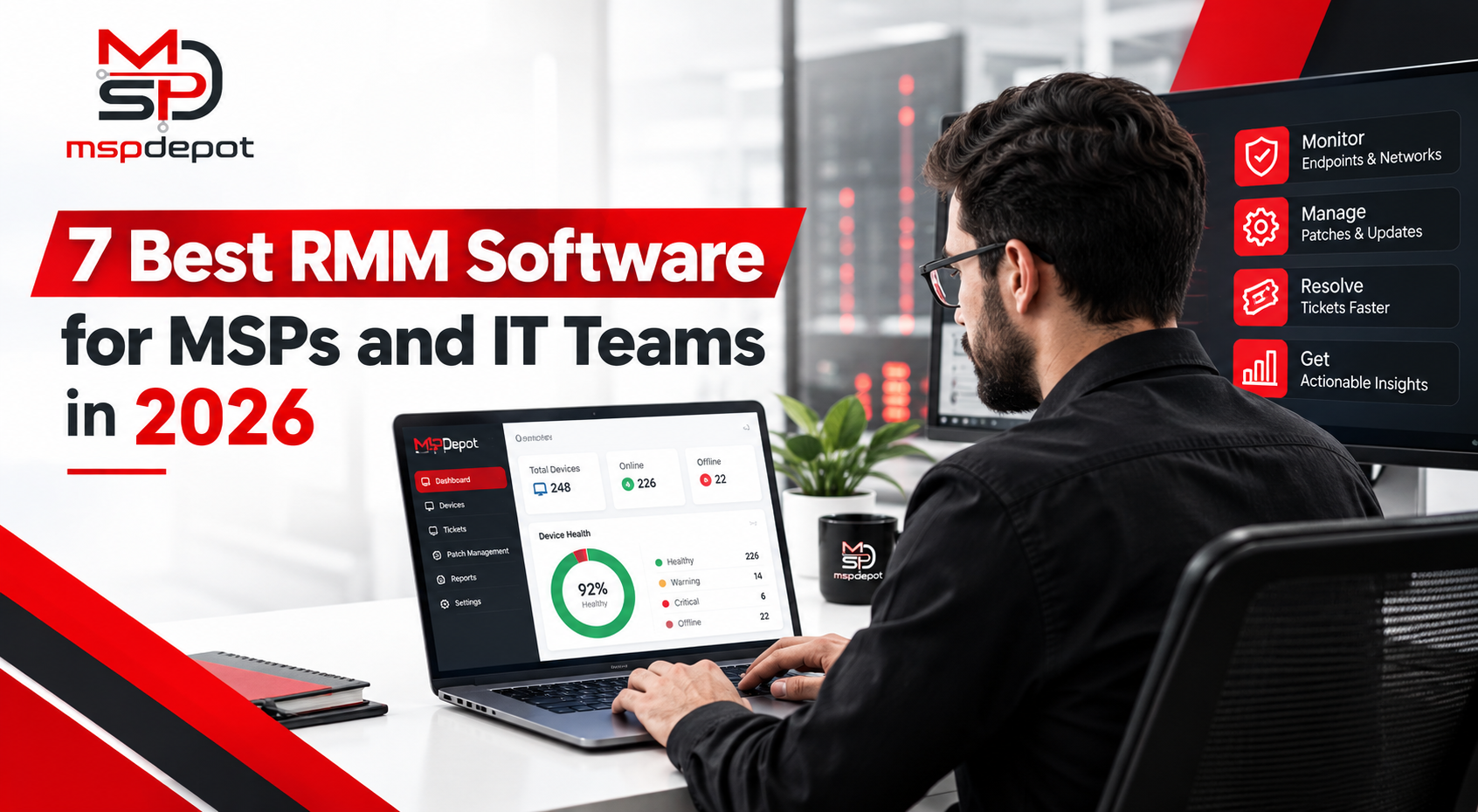
It is 2 a.m. A client server hits up on 98% of disk space. Nobody is awake. If you are using an RMM tool, you discover that at 9 a.m. you have some angry callers on the phone. Using one, an alert goes off, you run a script that removes temporary files, and your tech gets in a coffee joint to read about it.
RMM, which stands for remote monitoring and management, is a new technology. It monitors all the devices you manage, automatically patches them and resolves common issues without making a site visit. The right tool saves your team HOURS per week! The incorrect one extra dashboard to check.
This MSP guide provides a comparison of seven different RMM tools for MSPs and IT teams for 2026. You will know what each does, the price, and what to look out for.
The 7 Tools At A Glance
- MSP Depot: best for MSPs that want RMM and ticketing in one platform
- NinjaOne: best for a clean screen and quick training
- Datto RMM: best for MSPs that use Autotask
- ConnectWise RMM: best for shops that run ConnectWise PSA
- Pulseway: best for techs who work from their phones
- Syncro: best for small MSPs that want RMM and PSA on one bill
- Action1: best for patching on a tight budget
What Does An RMM Tool Do?
Four jobs matter most.
Monitoring. Agents on each device report CPU, memory, disk and service health.Patching. The tool installs updates on a schedule, so security holes close fast.Automation. Scripts fix repeat problems on their own.Remote access. Your tech connects to a device and fixes it without a visit.
A good RMM adds a fifth job. It turns alerts into tickets, so nothing gets lost.
- MSP Depot
Best for: MSPs and IT teams that want RMM and ticketing in one platform.
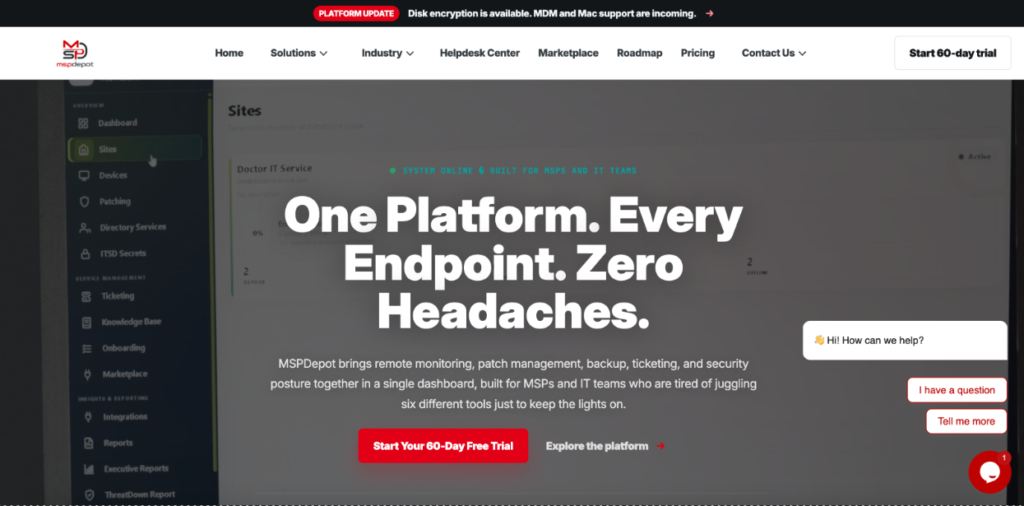
MSP Depot builds RMM and ticketing into one platform called ITSD. Alerts open tickets on their own. Each ticket carries the device details, so your tech does not hunt for them.
Here is what you get.
- Agent health. See which agents check in and which ones went quiet.
- Patch readiness. View status by operating system, plus reboot needs.
- Encryption checks. Get an alert when disk encryption changes.
- Service and process monitoring. Catch a stopped service before the client does.
- Scripts from the alert. Run a fix straight from the alert and keep a history of every run.
- Approval gates. Require sign-off before a script touches a production system.
- Remote access. ITSD Remote handles secure sessions and file transfers.
- All your platforms. Windows, Mac and Linux run from one dashboard.
Price. Platform Basic costs $79 per technician per month. The free trial runs 60 days with no card, and onboarding help is included.
[See the RMM] [See automation] [Start a trial]
- NinjaOne
Best for: a clean screen and quick training.
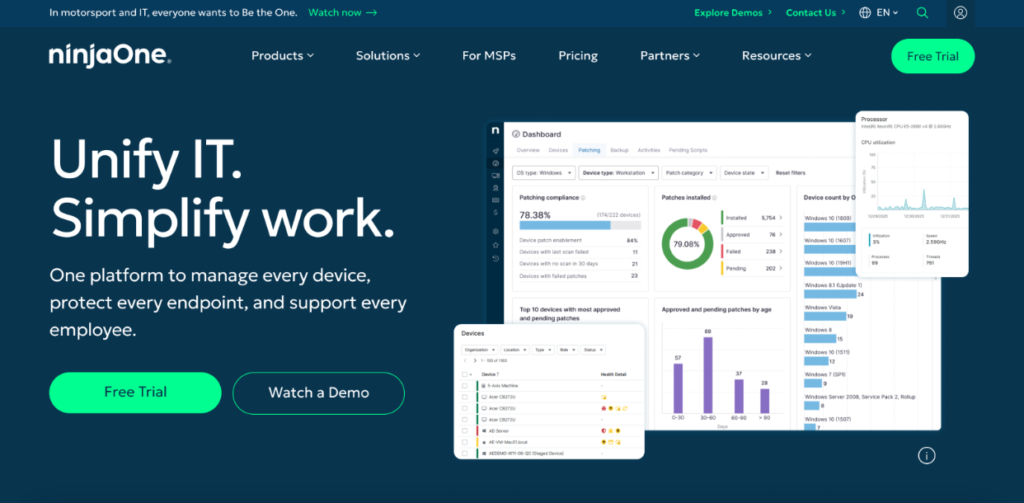
NinjaOne has a simple interface, so new techs learn it fast. It patches Windows, Mac, Linux and many third-party apps. Scripts run in PowerShell, Python and Bash.
You pay per endpoint and must ask for a quote at NinjaOne Pricing – Endpoint Management Software | NinjaOne Pricing.
Watch out for: the bill grows with every device you add.
- Datto RMM
Best for: MSPs that use Autotask.
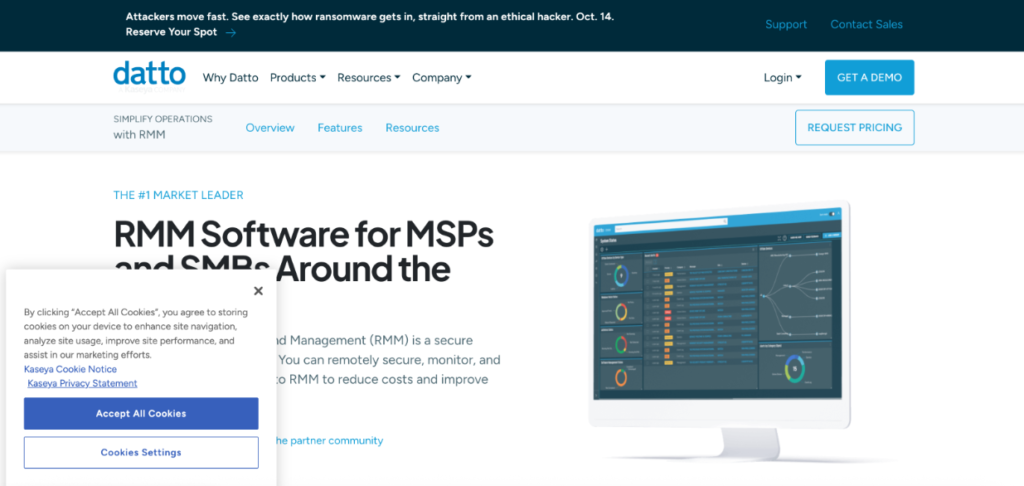
Datto RMM ties into Autotask PSA and other Datto products. Kaseya now owns Datto, so it sits in the Kaseya family. Ransomware detection comes built in. Datto does not publish a price, so you request a quote.
Watch out for: it pays off most when you already run Autotask.
- ConnectWise RMM
Best for: shops that run ConnectWise PSA.
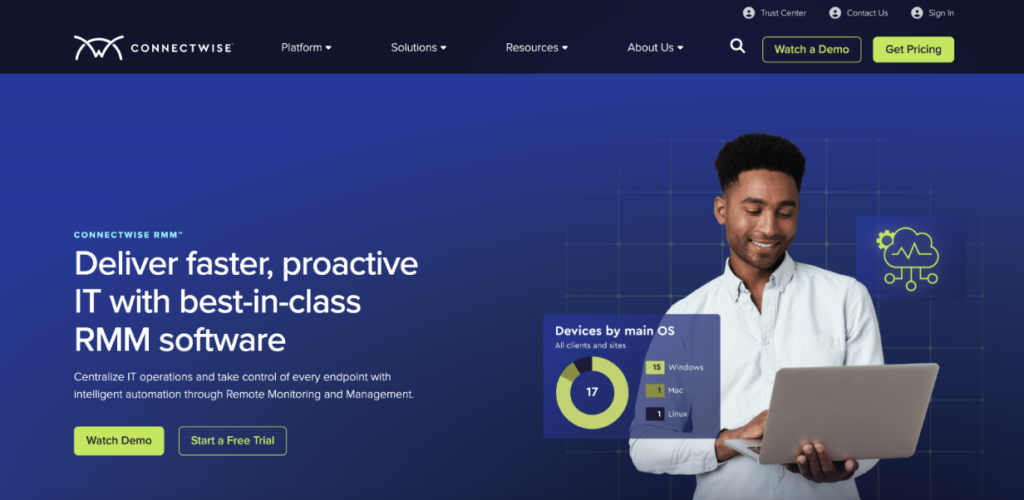
ConnectWise RMM is built to work closely with ConnectWise PSA. It helps MSPs monitor devices, manage patches, automate common IT tasks, and handle remote support from one place. It is also known for its automation features and integrations with the wider ConnectWise platform.
Pricing is custom, so you need to contact ConnectWise for a quote.
- Pulseway
Best for: techs who work from their phones.
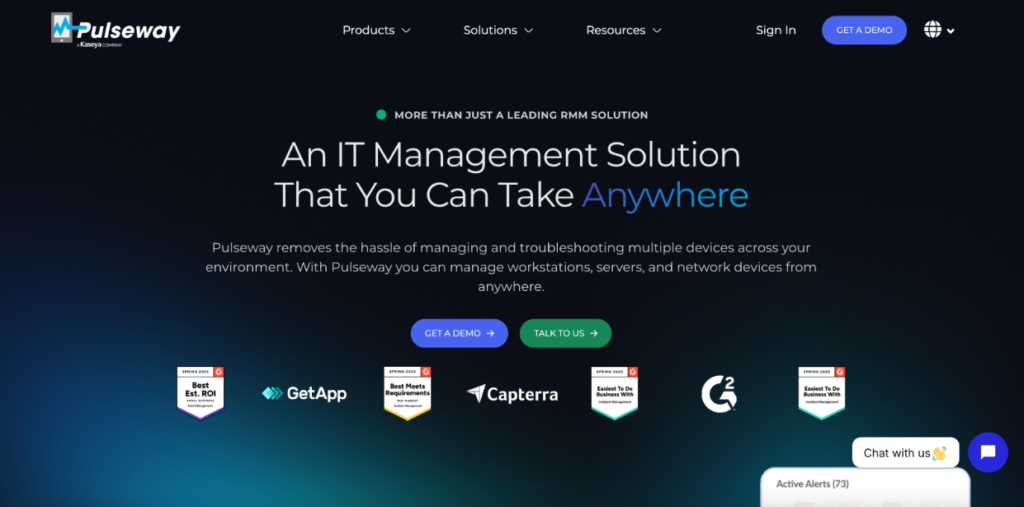
Pulseway has a mobile app. You reboot a server, restart a service or approve a fix from your phone. It supports Windows, Mac and Linux. Pulseway does not publish a full price list, but reports put new accounts near $44 per month for 20 endpoints billed annually.
Watch out for: the base tier does not include full ticketing. Check what your tier covers.
- Syncro
Best for: small MSPs that want RMM and PSA on one bill.
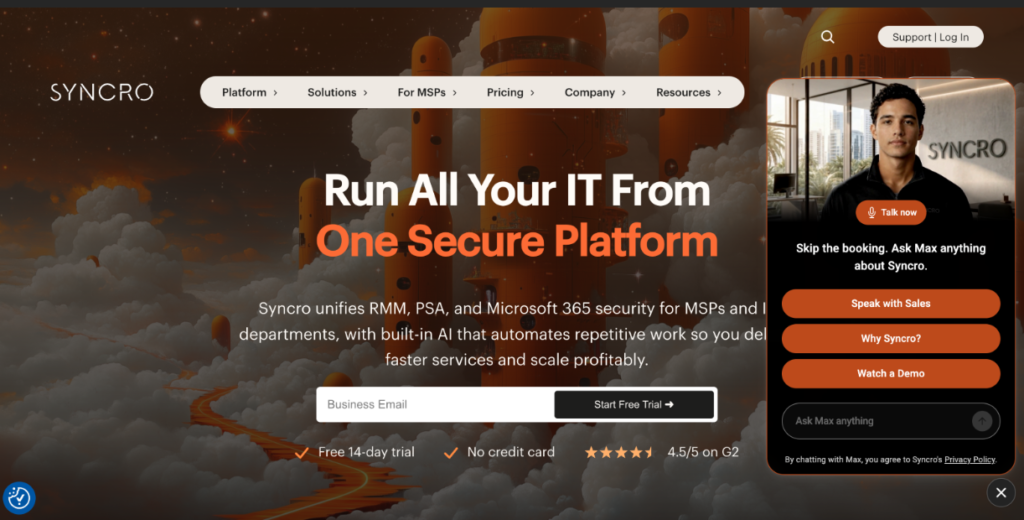
Syncro combines RMM, ticketing and billing. Its Core plan is listed at $129 per user per month for MSPs and for IT Teams the best 12 month term is $179. It has a scripting engine and more than 50 integrations, including Pax8, IT Glue and Domotz.
Watch out for: its listing mentions RMM agents for Windows and Mac. Ask about Linux before you sign.
- Action1
Best for: patching on a tight budget.
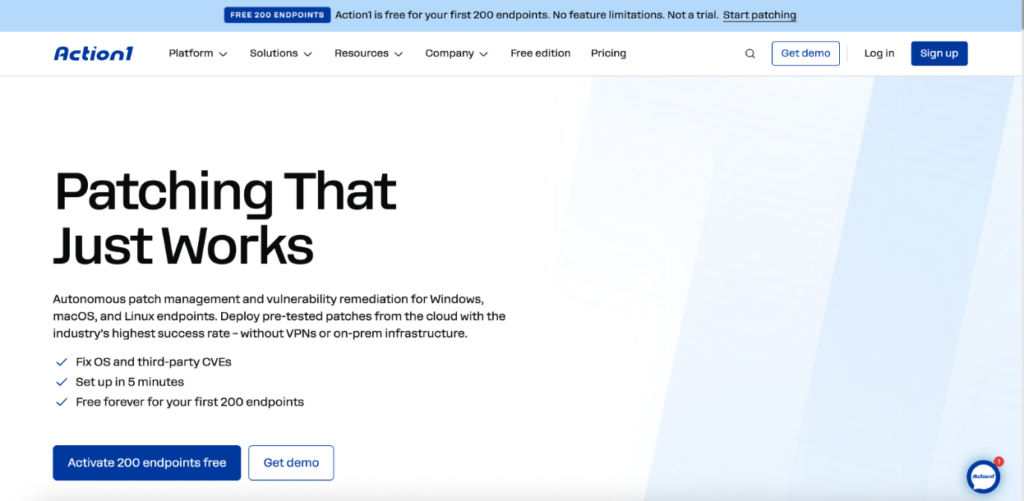
Action1 gives you your first 200 endpoints free, with no feature limits. It covers third-party patching, cross-OS patching, and vulnerability management. It holds SOC 2 and ISO 27001 certifications. Past 200 endpoints, you need to request a quote otherwise the first 200 endpoints are free.
Watch out for: it centers on patching and vulnerabilities. Check ticketing and remote access before you commit.
How To Pick The Right RMM
Ask these five questions.
- What does it really cost? Take four technicians. MSP Depot costs 4 x $79, which is $316 a month. Syncro Core costs 4 x $129, which is $516 a month. Features differ, so compare what each plan includes.
- Do alerts become tickets? If not, your techs copy and paste all day.
- Can it fix things without you? Look for scripts that run from an alert, with approval gates for risky systems.
- Does it patch every OS you support? Check Windows, Mac and Linux by name.
- How fast can you onboard a client? MSP Depot says most teams see first devices report within a few hours. Bulk enrollment works by CSV, script or directory.
Also check the trial length. Two weeks barely covers setup. Sixty days covers a full month of real work.
Start Your Free Trial With MSP Depot
Pick one tool and test it on real devices. MSP Depot gives you 60 days of full access, no credit card, and onboarding help. Connect a few clients. Watch an alert become a ticket and a script close to it.
[Start here] [See pricing]
Frequently asked questions
Is RMM only for MSPs?No. In-house IT admins use it to manage company devices too.
What does an RMM tool cost?It depends on the model. Some tools charge per technician. Others charge per endpoint.
Does MSP Depot need a credit card for the trial?No. The trial runs 60 days and will not auto-charge you.
What are the top remote monitoring and management software options available?
Some of the top RMM software options in 2026 are MSP Depot, NinjaOne, Datto RMM, ConnectWise RMM, Pulseway, Syncro, and Action1. Each tool has different features, pricing, and strengths.
What's the best RMM software in 2026?
MSP Depot is a strong choice for MSPs and IT teams that want RMM and ticketing in one platform.
Where can I find reviews of leading RMM platforms?
You can find RMM reviews on vendor websites, software review sites, and comparison guides. Look at reviews for tools such as MSP Depot, NinjaOne, Datto RMM, ConnectWise RMM, Pulseway, Syncro, and Action1.
Which remote monitoring and management software is best for small businesses?
Small businesses should look for an RMM that is easy to use, affordable, and includes the tools they actually need. MSP Depot and Syncro are options to consider if you want RMM and ticketing in one place.
What are the top remote monitoring and management software options available?